
 Local Setup
This guide is for quickly deploying Kubernetes and Zadig on a local machine, ideal for first-time users to try out.
Warning
Local installation does not support version upgrades or high availability, and is not for production use.
# Install and Uninstall Using Shell Scripts
# Step 1: Prepare a Kubernetes Cluster
Use minikube, KinD, or similar tools to set up a local K8s cluster.
Tip
- Supported K8s versions: v1.16+
- Recommended: 8C16G (Zadig uses 4C8G, supports two concurrent workflows)
For tool installation, refer to:
- minikube(opens new window)
- docker-desktop(opens new window)
- See official docs for other tools
# Step 2: Run the Installation Script
Run in your local cluster:
If you need to integrate external systems, make sure Zadig has a public IP.
export IP=<local IP>
export PORT=<any port between 30000-32767>
curl -SsL https://download.koderover.com/install?type=quickstart | bash
1
2
3
2
3
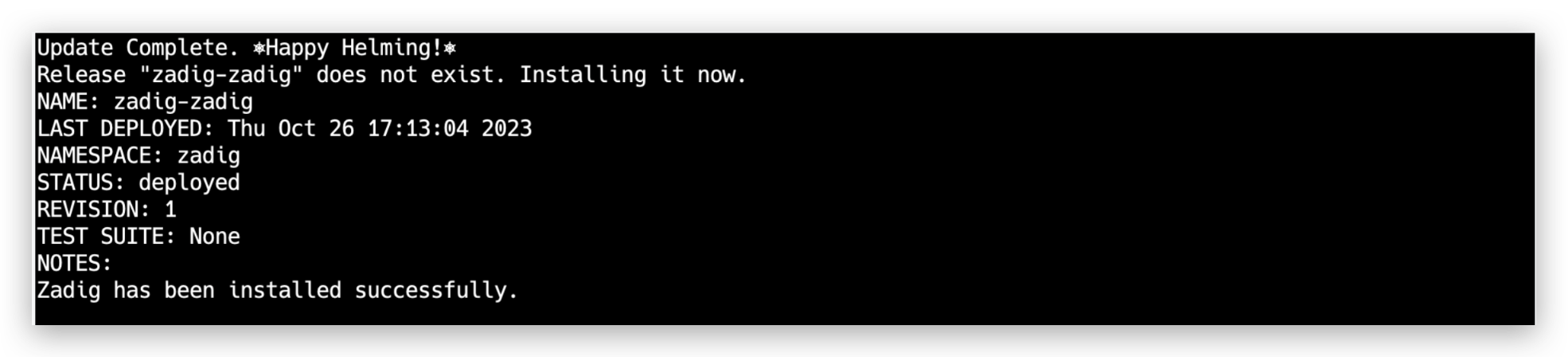
# Step 3: Access the System
Tip
If using KinD, map your local port to the K8s NodePort service:
kubectl -n zadig port-forward svc/gateway-proxy 32000:80
1
Access the system via IP:PORT. On first login, register an administrator.
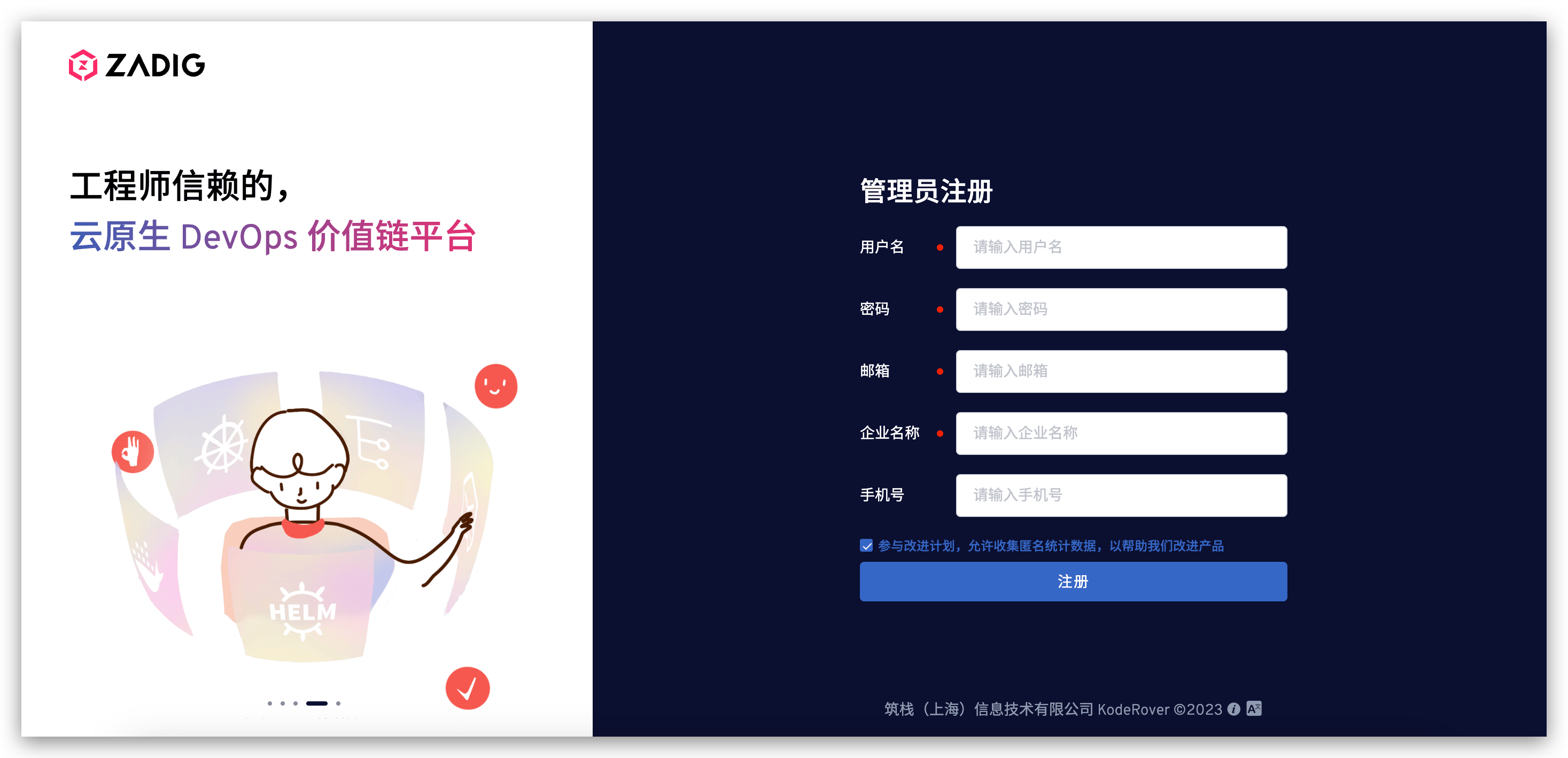
Tip
For license setup, see: License
# Zadig Uninstallation
Set NAMESPACE and run the uninstall script:
export NAMESPACE=zadig
curl -SsL https://github.com/koderover/zadig/releases/download/v4.2.1/uninstall.sh | bash
1
2
2
Or use the latest official uninstall script:
export NAMESPACE=zadig
curl -SsL https://download.koderover.com/install?type=uninstall | bash
1
2
2

