
 Pull the Submodule Code
This article introduces how to pull submodule code on Zadig using the HTTPS and SSH protocols.
# HTTPS Protocol
# Step 1: Check the Submodule Declaration
Tip
The repository included in .gitmodules needs to be added to Zadig's "System Settings" - "Code Source" integration in advance
Check the configuration in .gitmodules and confirm the use of HTTPS clone code
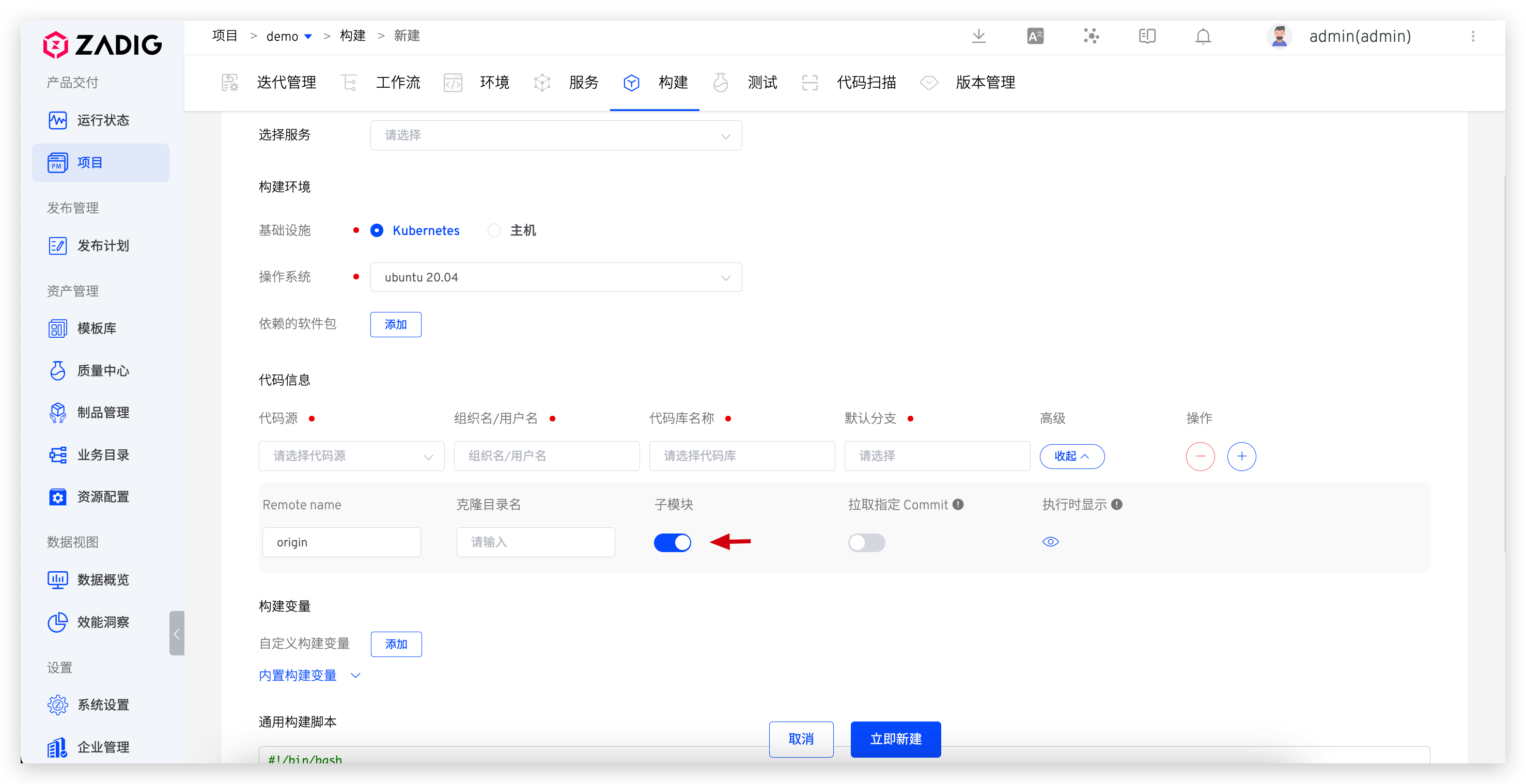
# Step 2: Enable the Submodule in the Corresponding Task
Enable the submodule in the task.
# SSH Protocol
# Step 1: Check the Submodule Declaration
Check the current configuration in .gitmodules and confirm the use of SSH clone code
# Step 2: Prepare the SSH Private Key
Prepare the SSH private key for authentication when cloning the code in the submodule. If multiple submodules exist, and each requires a different SSH private key, prepare multiple private keys
# Step 3: Configure the SSH Private Key File
Create a config file and specify the private key files corresponding to different repositories in the config file. The example is as follows:
Host github.com
    StrictHostKeyChecking no
    IdentityFile ~/.SSH/id_rsa.github
Host gitlab.com
    StrictHostKeyChecking no
    IdentityFile ~/.SSH/id_rsa.gitlab
2
3
4
5
6
# Step 4: Copy the Private Key to the Custom Build Image
Copy the private key file prepared in the previous step to the ~/.ssh path in the image runtime, build, and push the custom build image. For more details, refer to Custom Image Management.
# Step 5: Enable the Submodule in the Task
Enable the submodule in the task.

