K8s Hosting Project
Manages resources in specified Kubernetes cluster namespaces. Create environments and host services in Zadig for cross-cluster testing environment and service management.
# Quick Setup
This guide provides the essential steps to create a K8s hosting project. For detailed examples, see: Tutorial(opens new window).
# Create Project
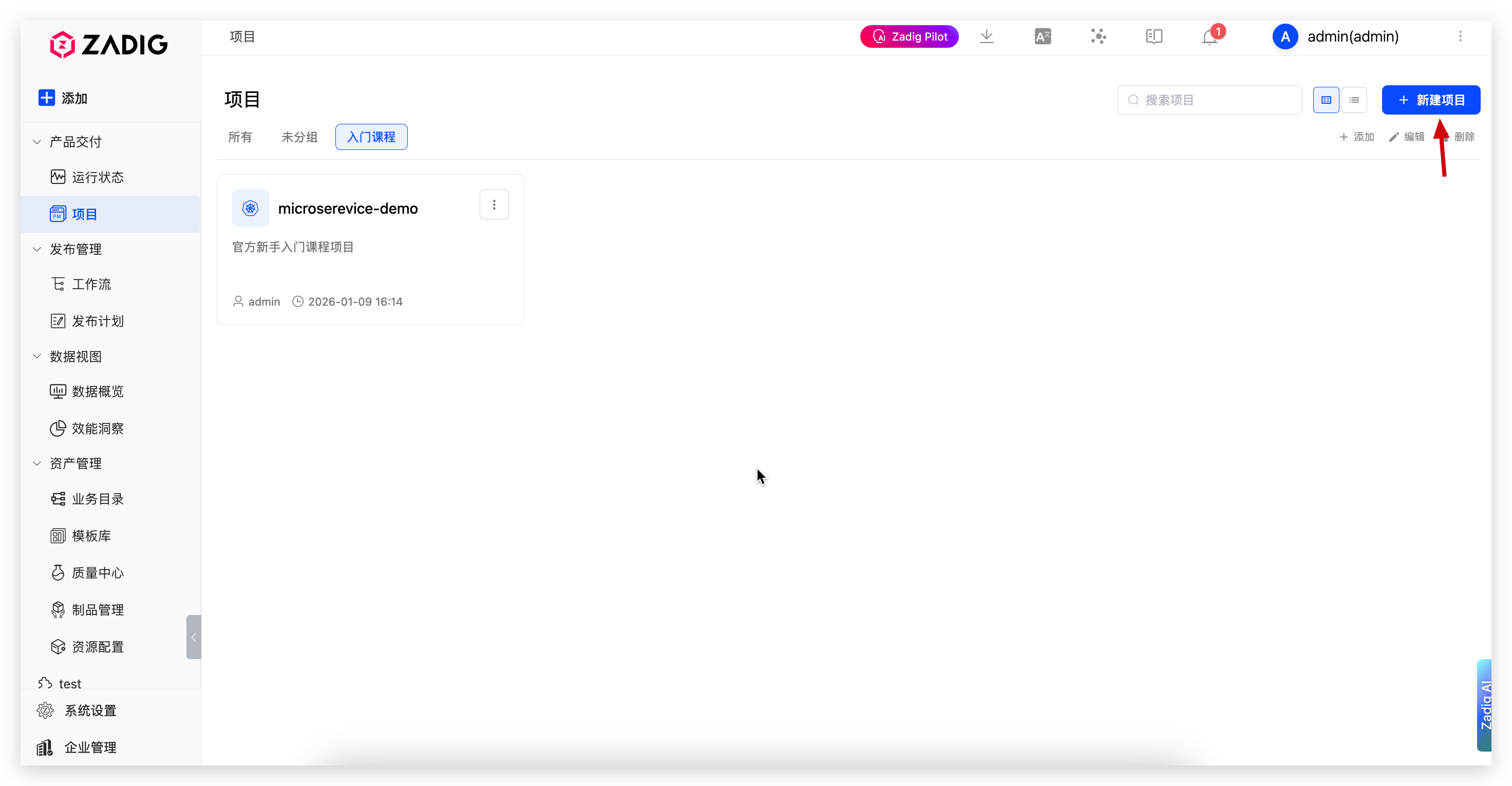
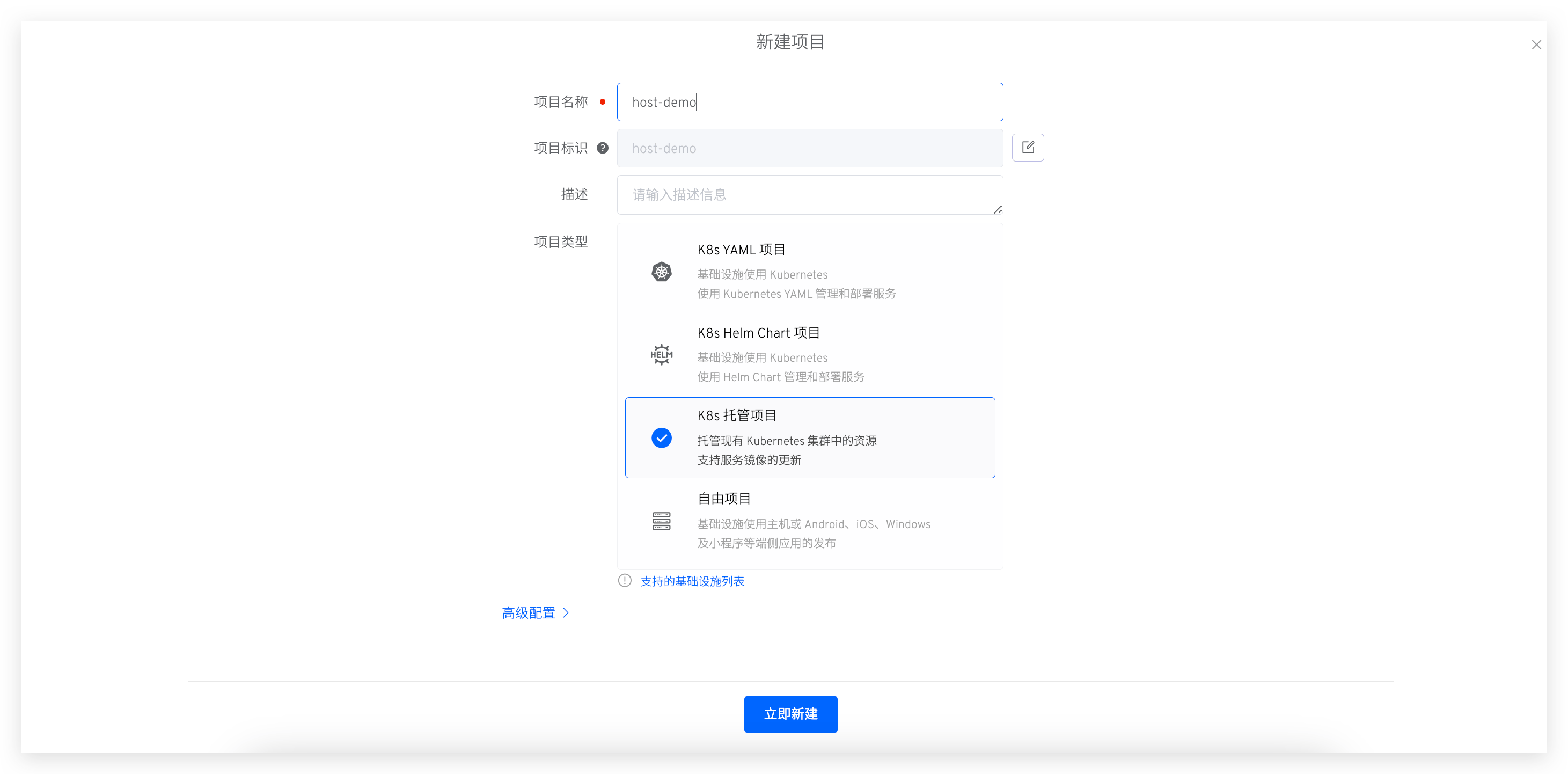
Go to "Project" → "New Project", enter the project name, and select K8s Hosting Project.
# Configure Environment Hosting
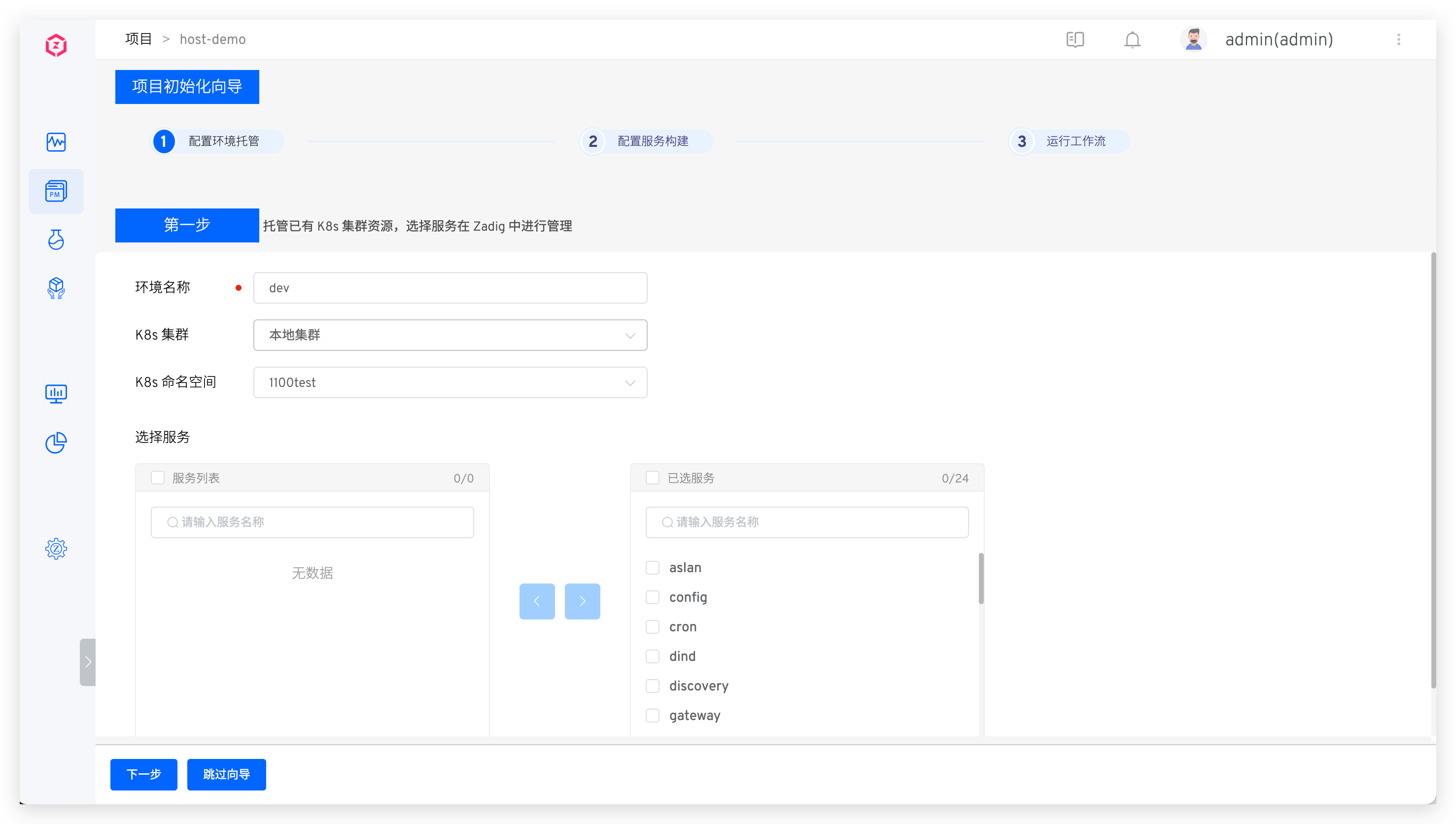
Enter environment name, select cluster and namespace, and choose services to manage.
Tip
- Zadig manages services in both local and remote clusters. Local clusters host the Zadig system.
- For multi-cluster configuration, see Cluster Management.
# Configure Service Build
The system automatically parses service components. Click Add Build to configure build settings. See Build Configuration.
For service component concepts, see Service component.
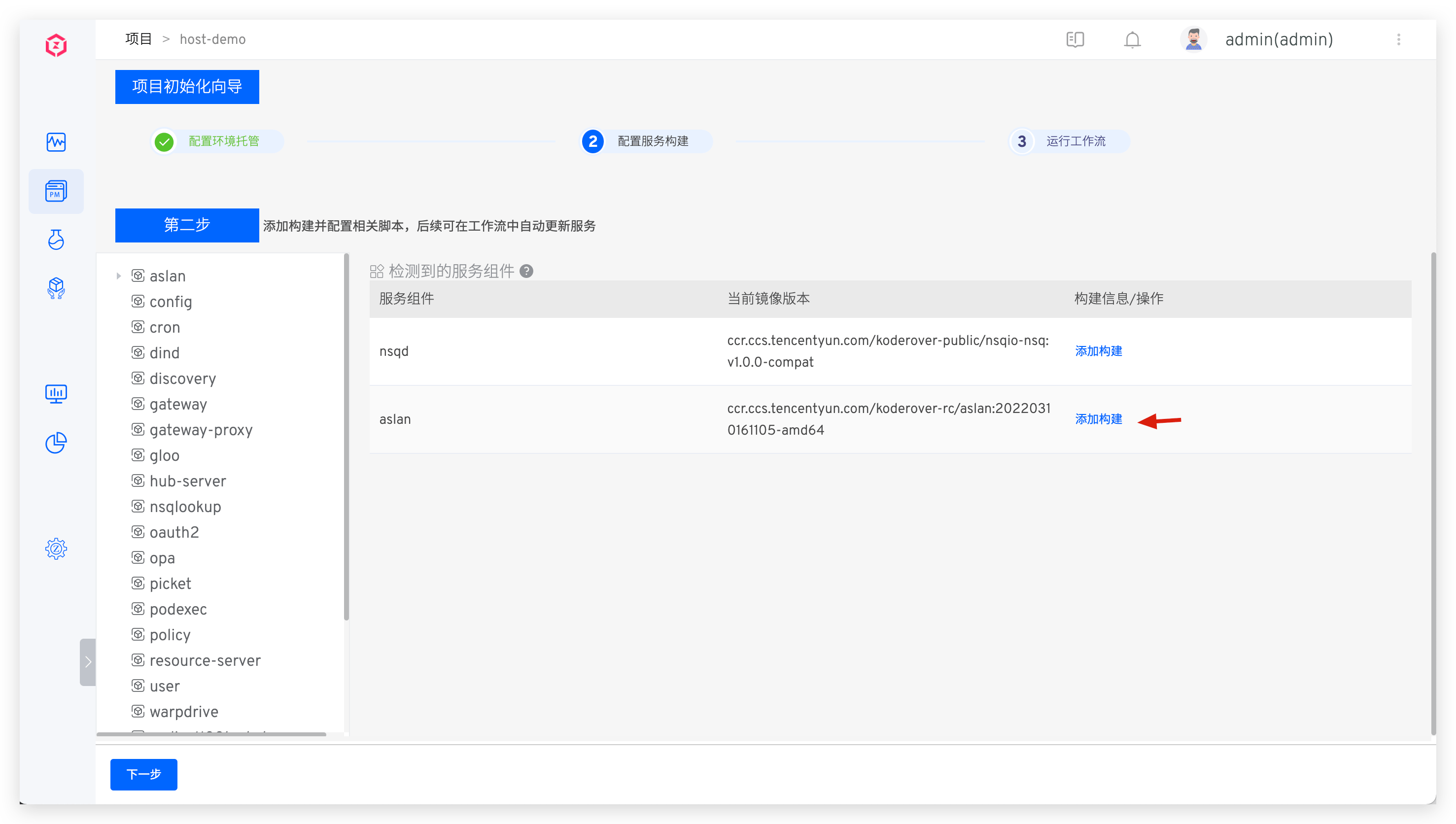
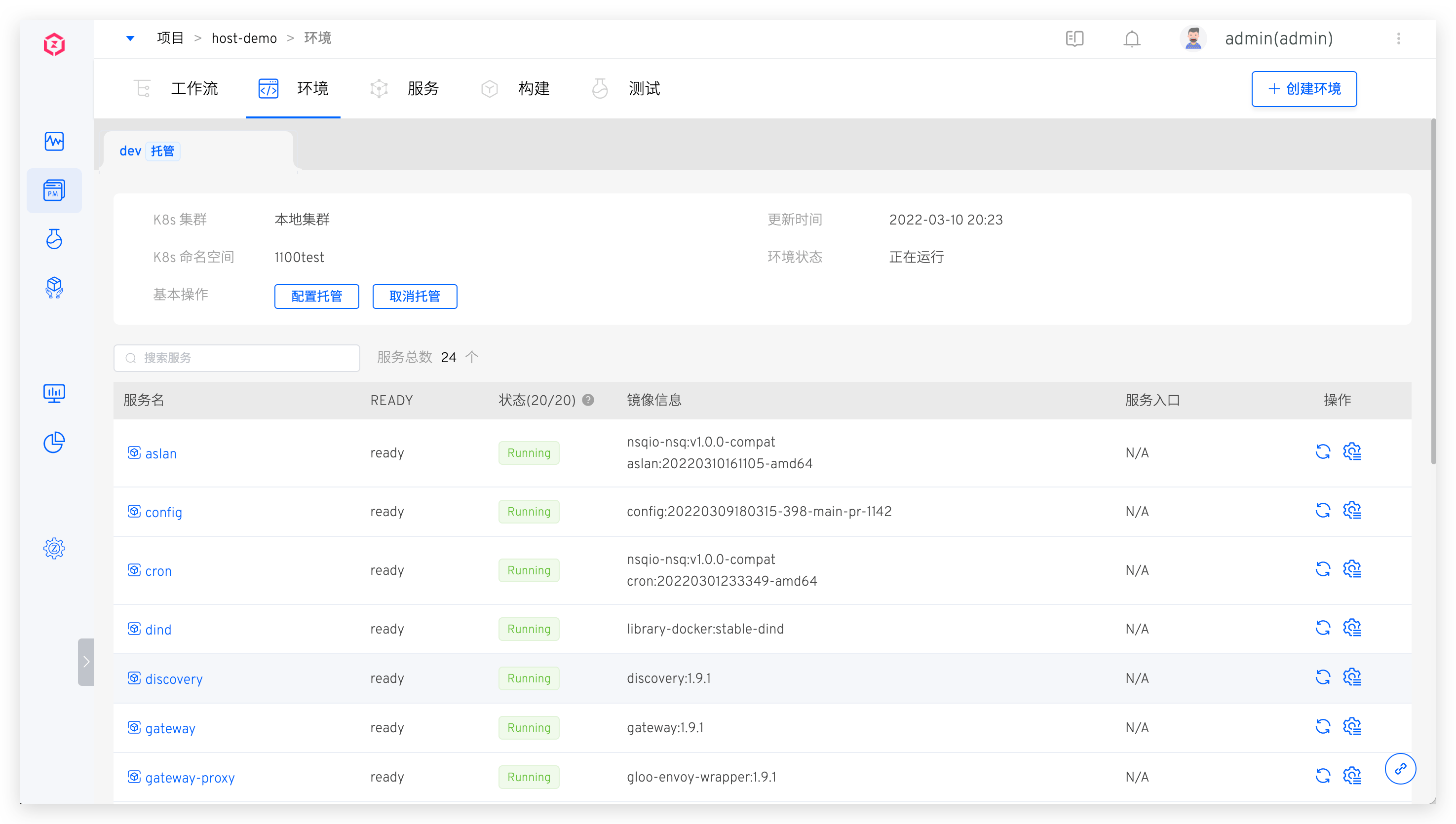
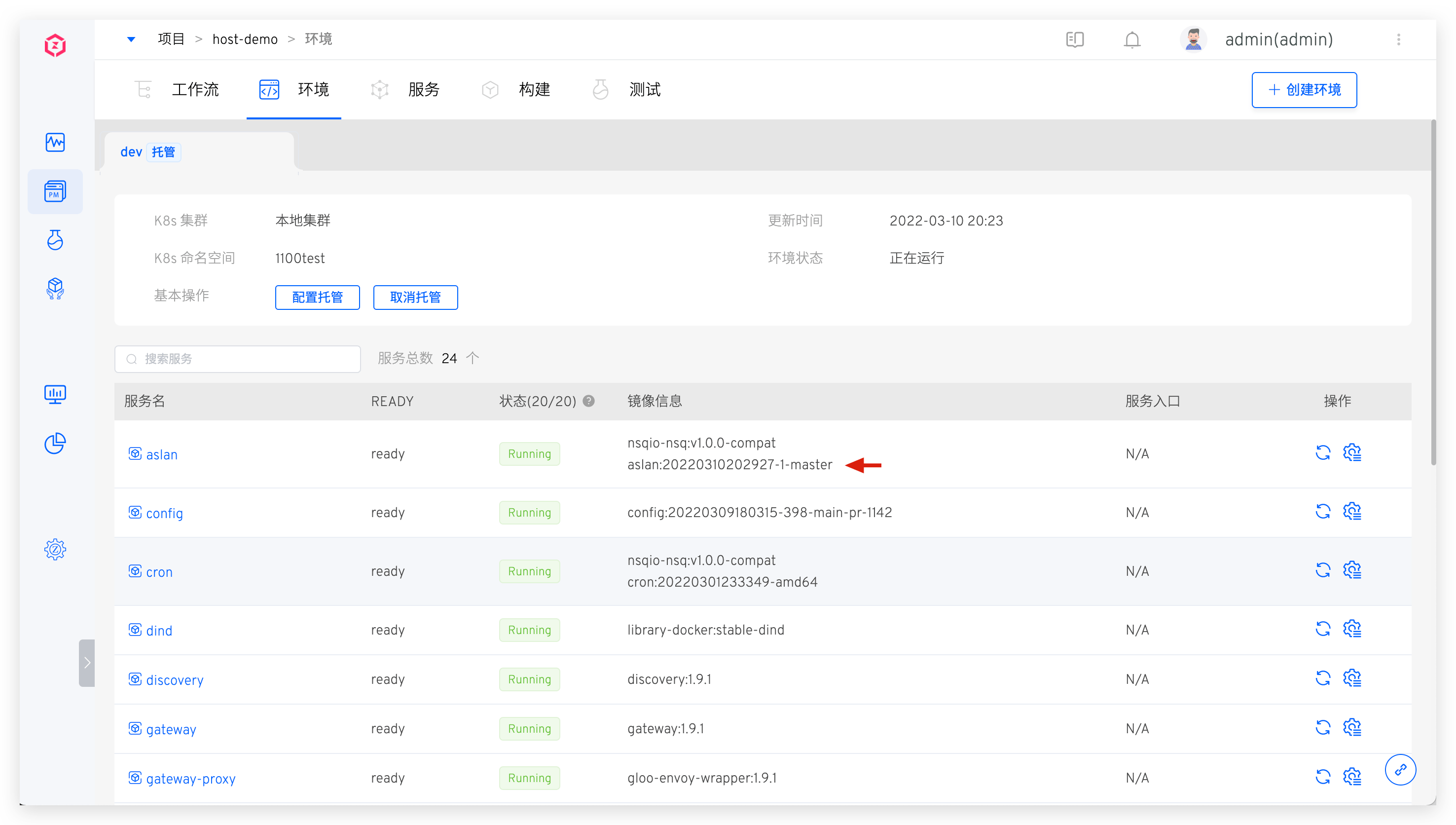
Click Next to complete Kubernetes cluster service hosting. In the integrated environment, preview hosted service status, images, and other information.
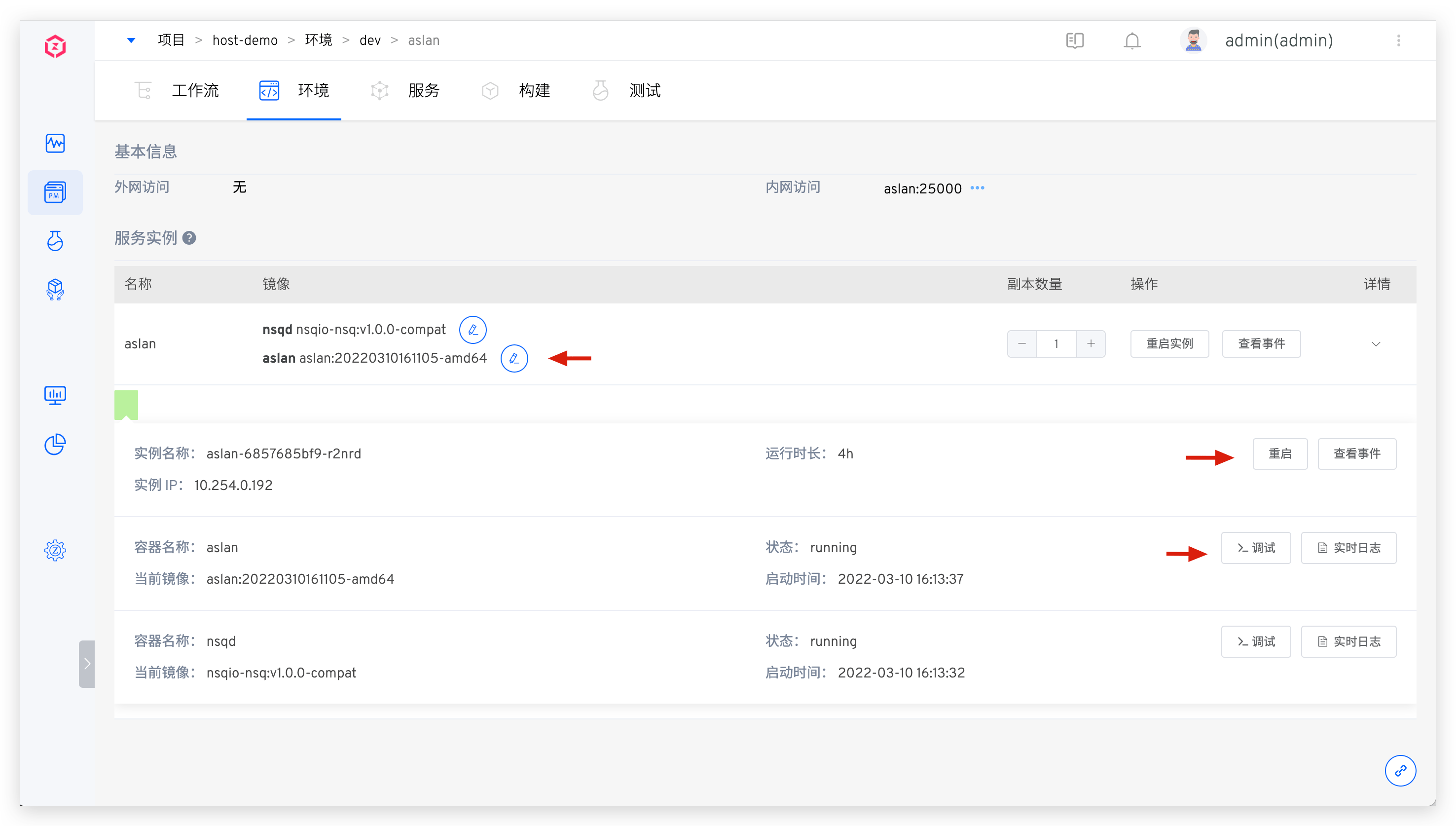
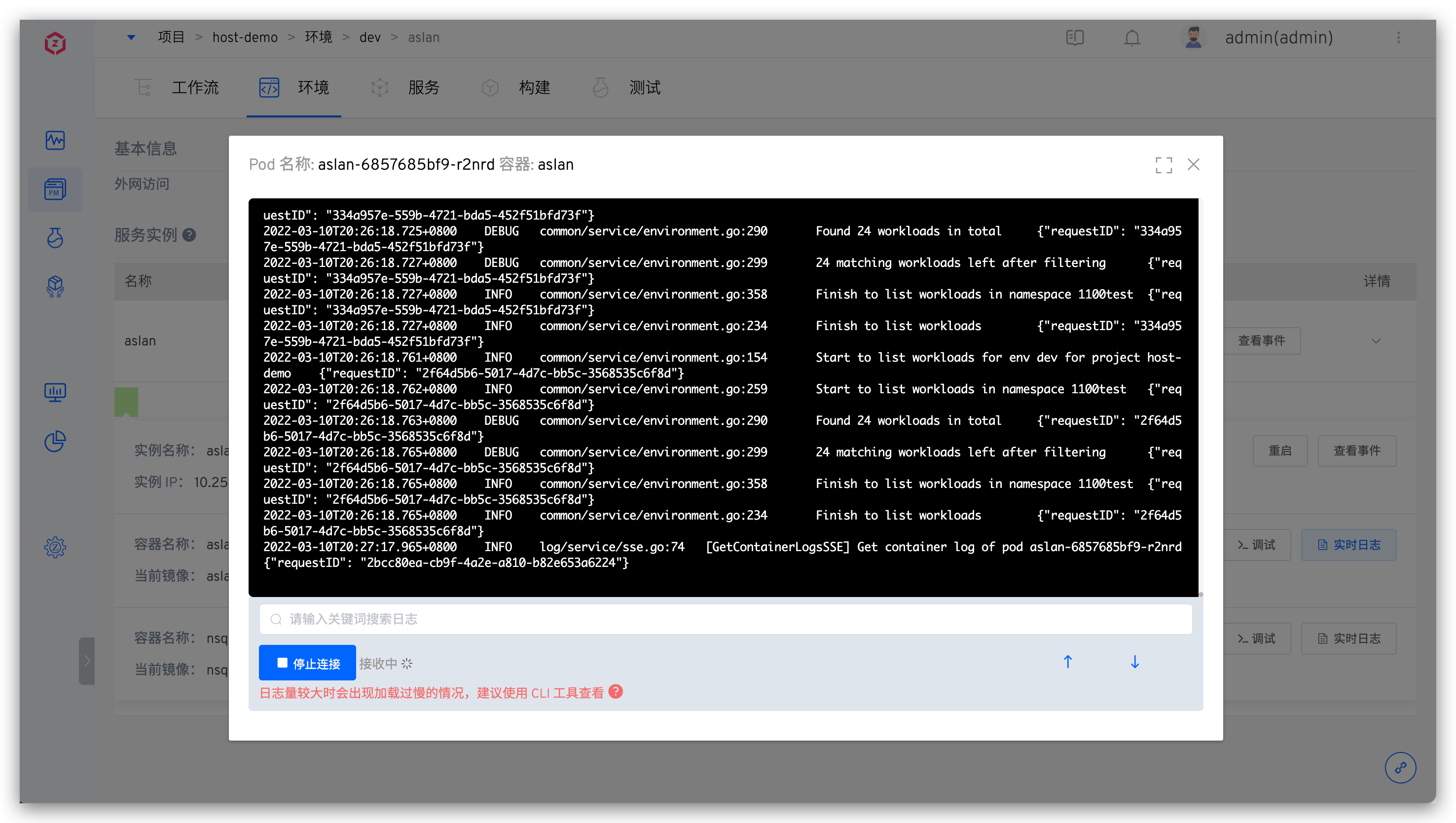
Click on a service to view detailed information, including image version modification, deployment events, and real-time logs.
# Execute Workflow
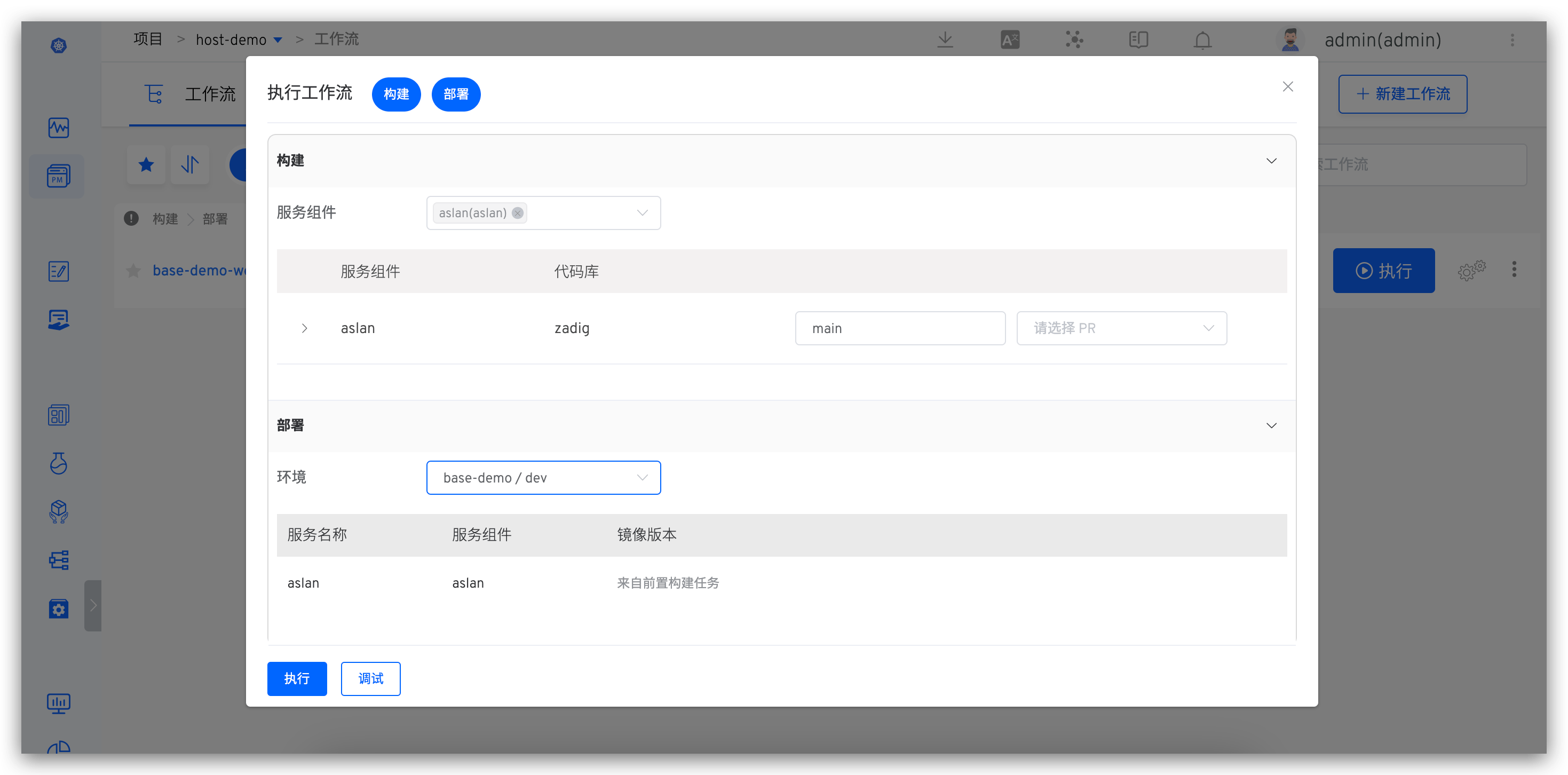
Trigger a workflow, select services to update, and start the task for automated deployment. Verify service updates in the environment after workflow completion.
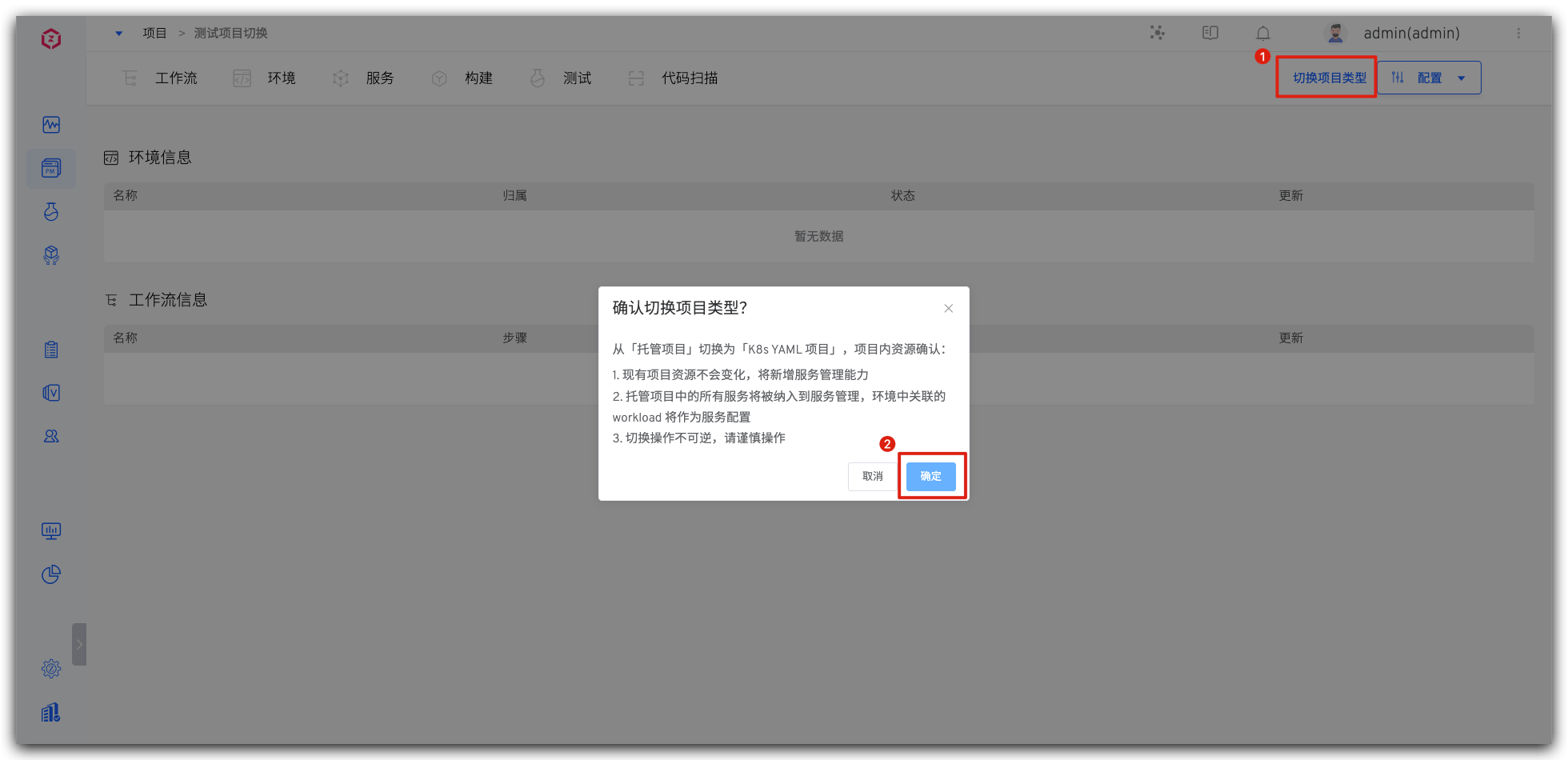
# Switch to K8s YAML Project
Convert existing hosting projects to K8s YAML projects with one click.
Caution
- Workflow/build/test/code scanning/permissions/collaboration mode remain unchanged, with new service management capabilities added.
- All hosted environments display in the new project.
- Service configurations in all environments are managed and displayed, with duplicate configurations consolidated.
In the hosting project, click Switch Project Type to complete the conversion.