K8s YAML Project
# Quick Setup
This guide provides the essential steps to create a K8s YAML project. For detailed examples, see: Tutorial(opens new window).
# Create Project
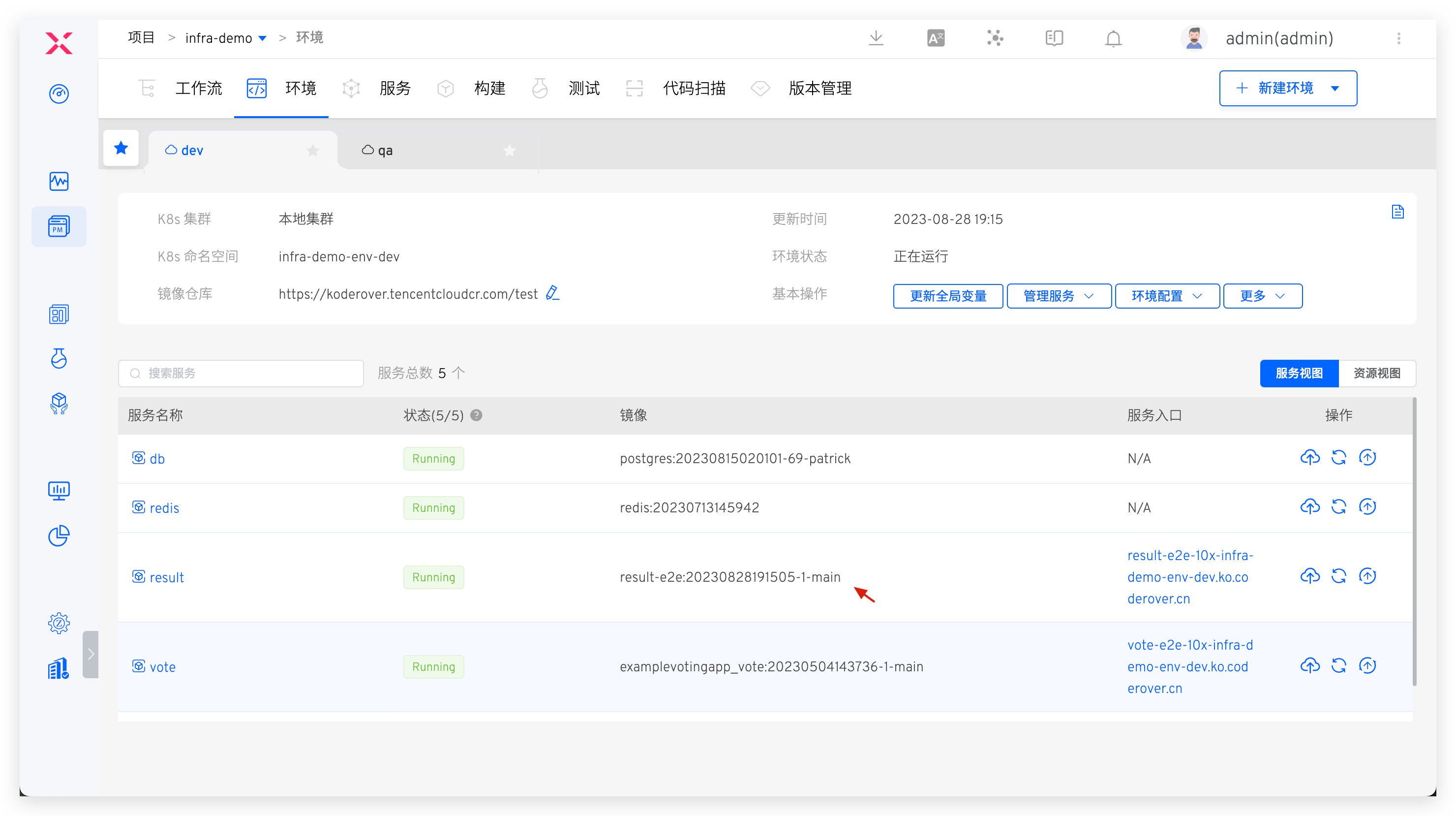
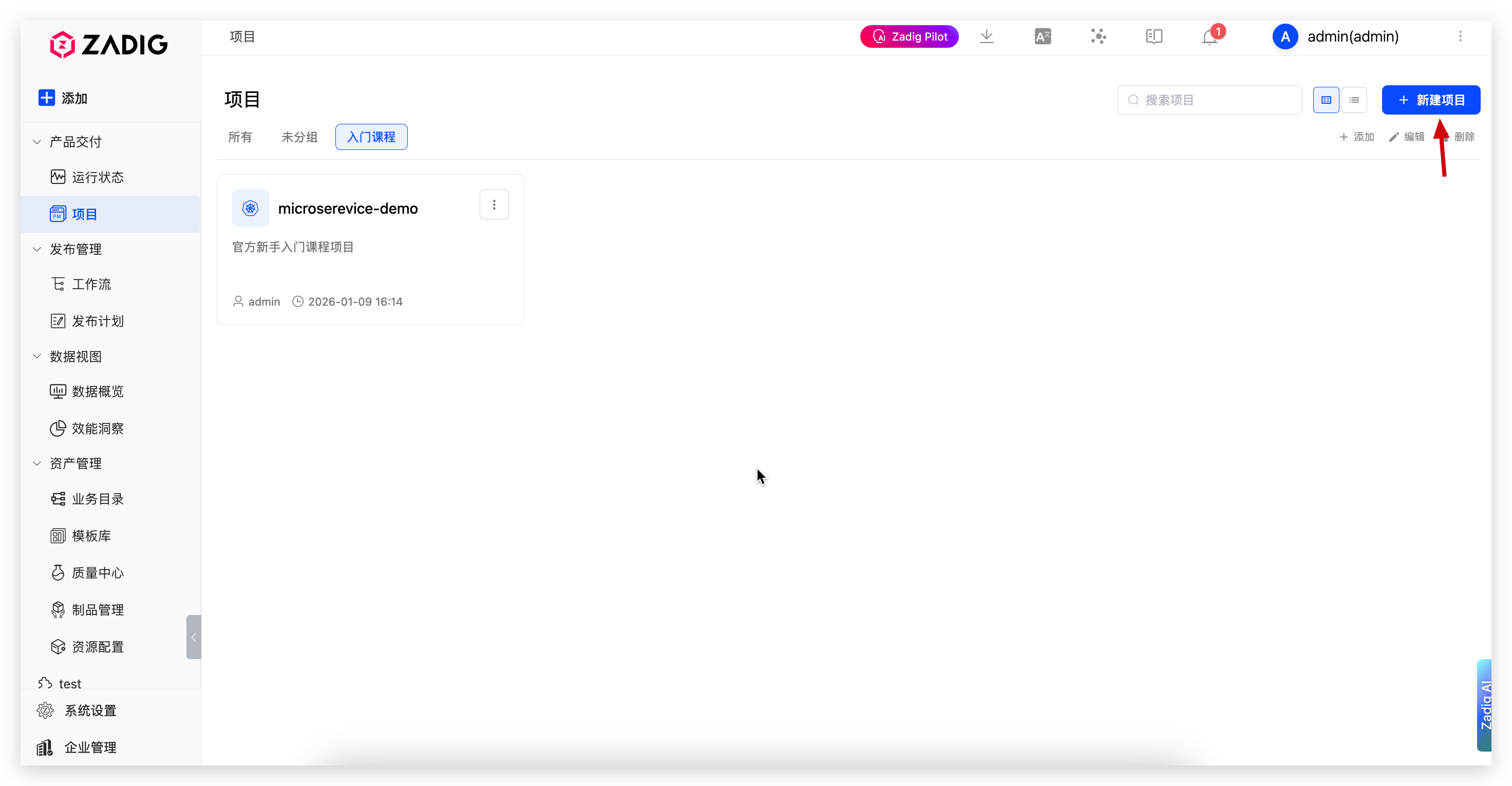
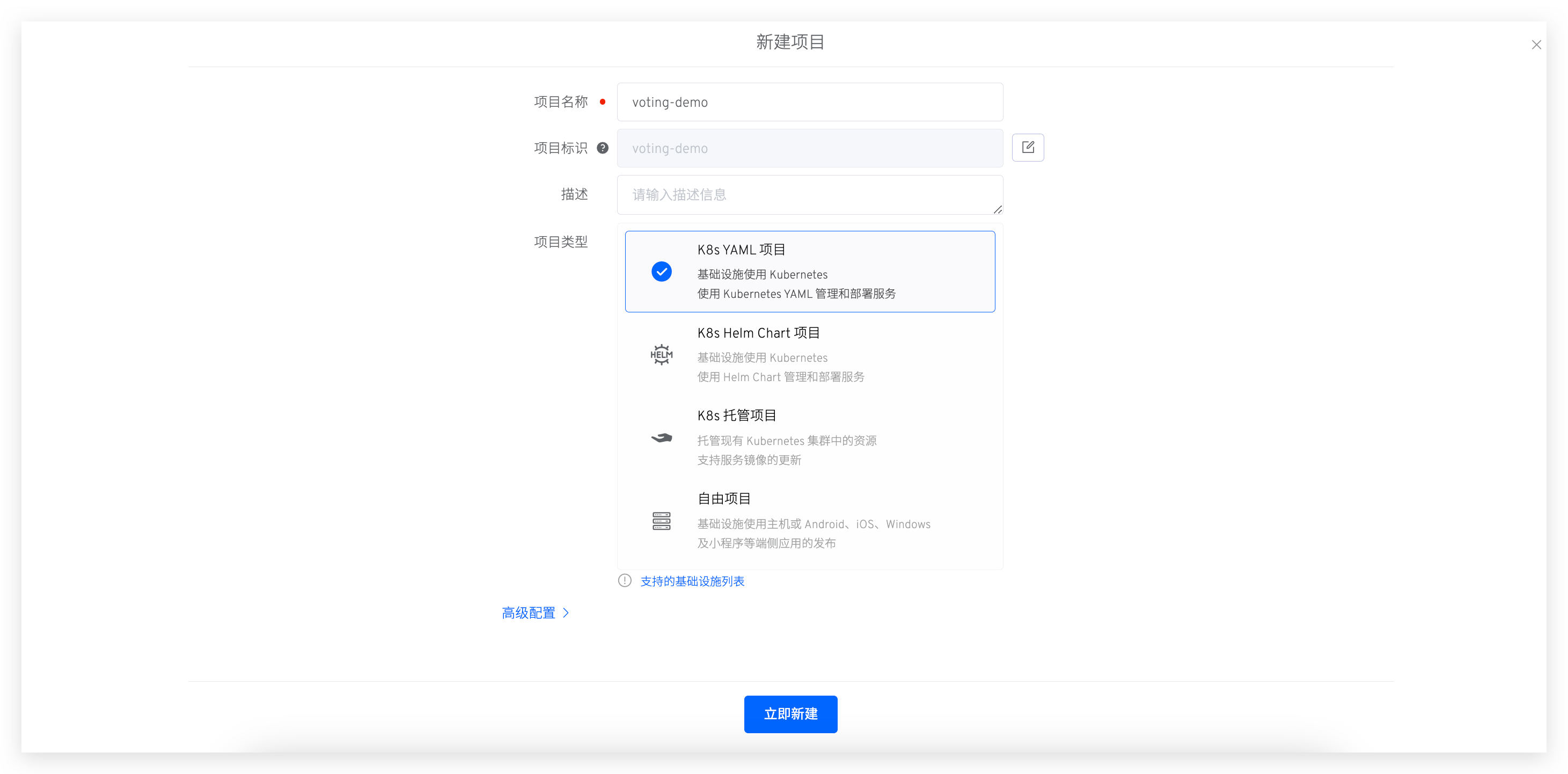
Go to "Project" → "New Project", enter the project name, and select K8s YAML Project.
Click Next to configure services. 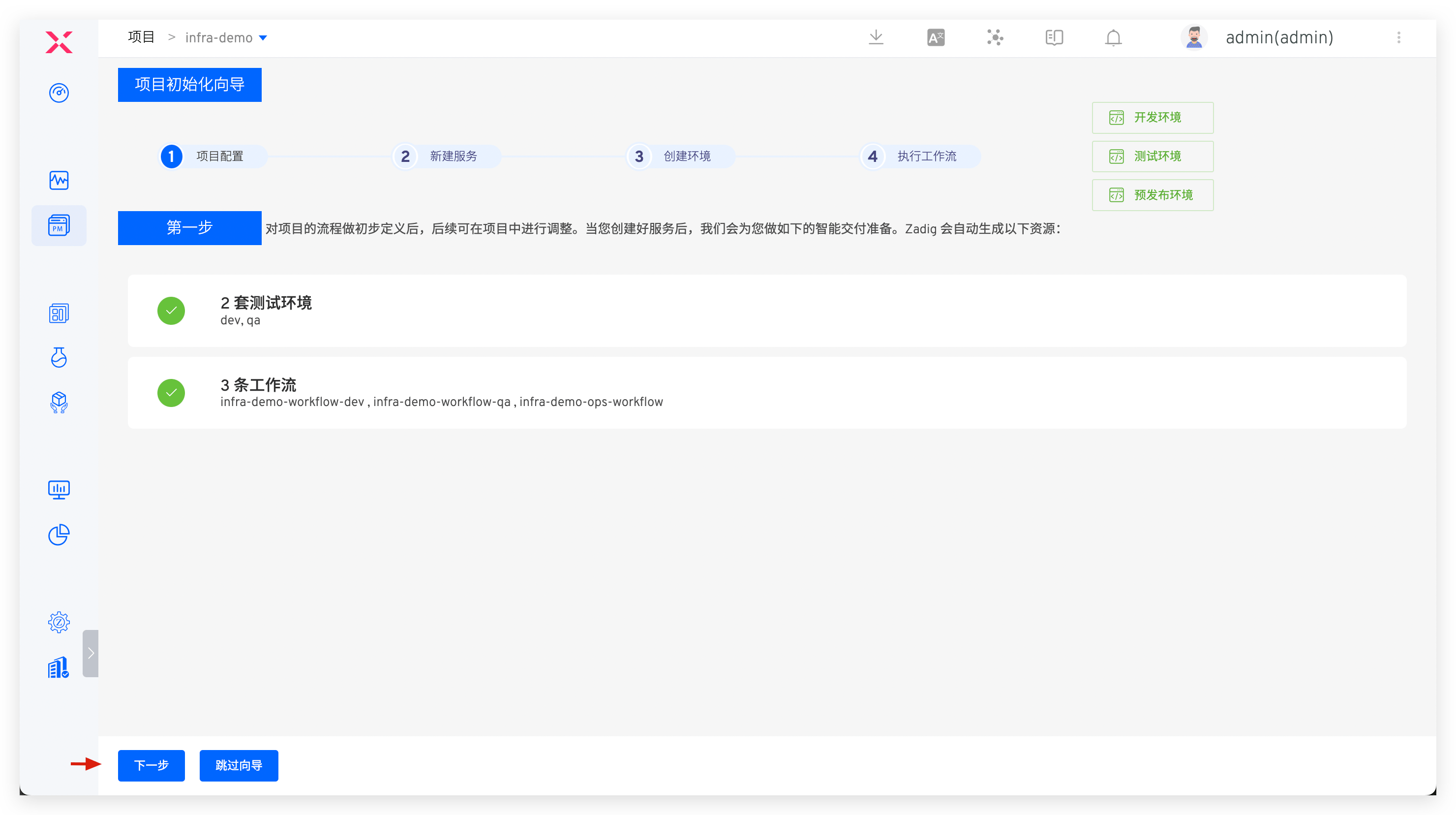
# Configure Services
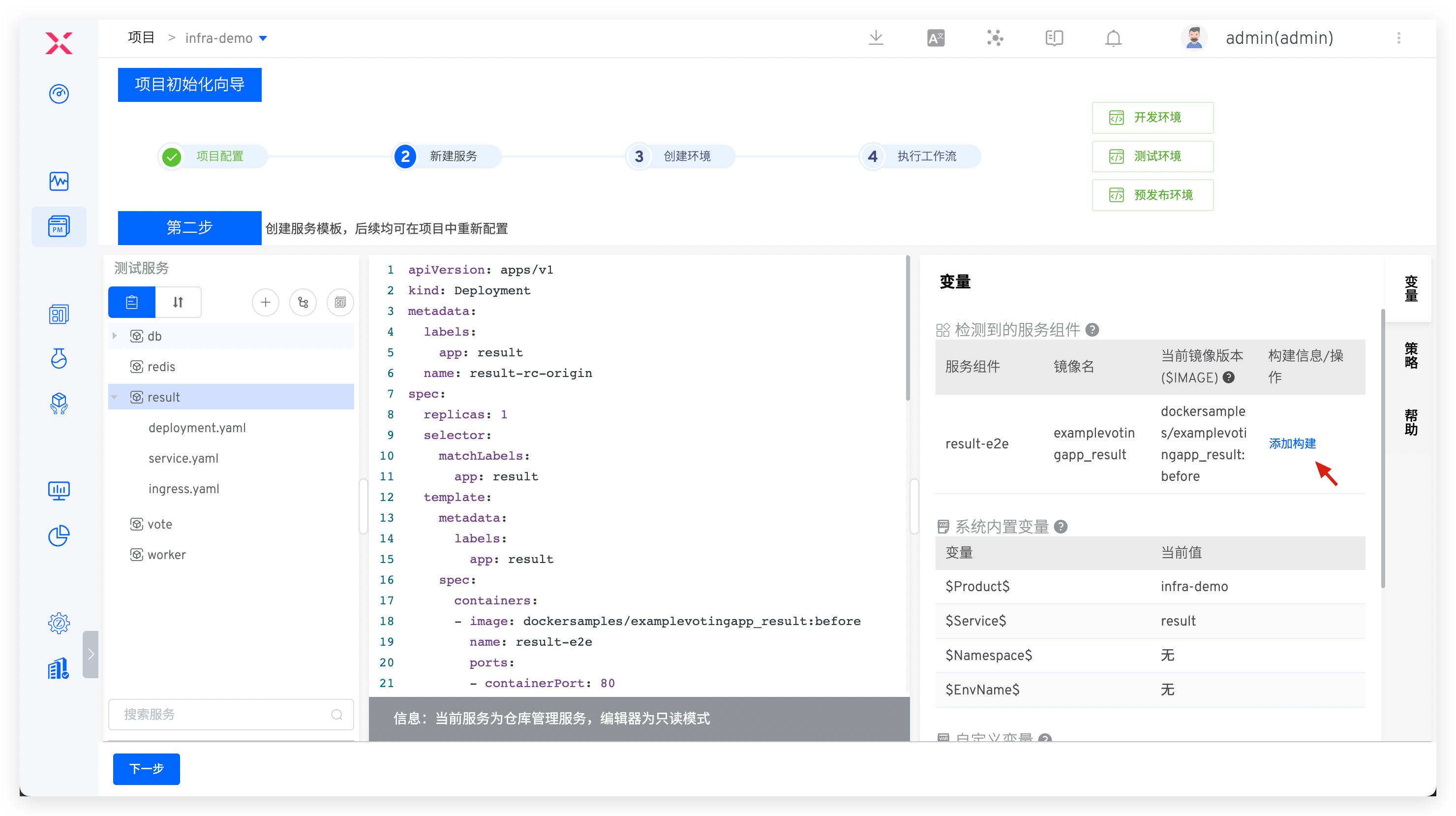
Create and configure services. See New K8s YAML Service for details. The system automatically parses K8s resources and service components.
For service component concepts, see Service component.

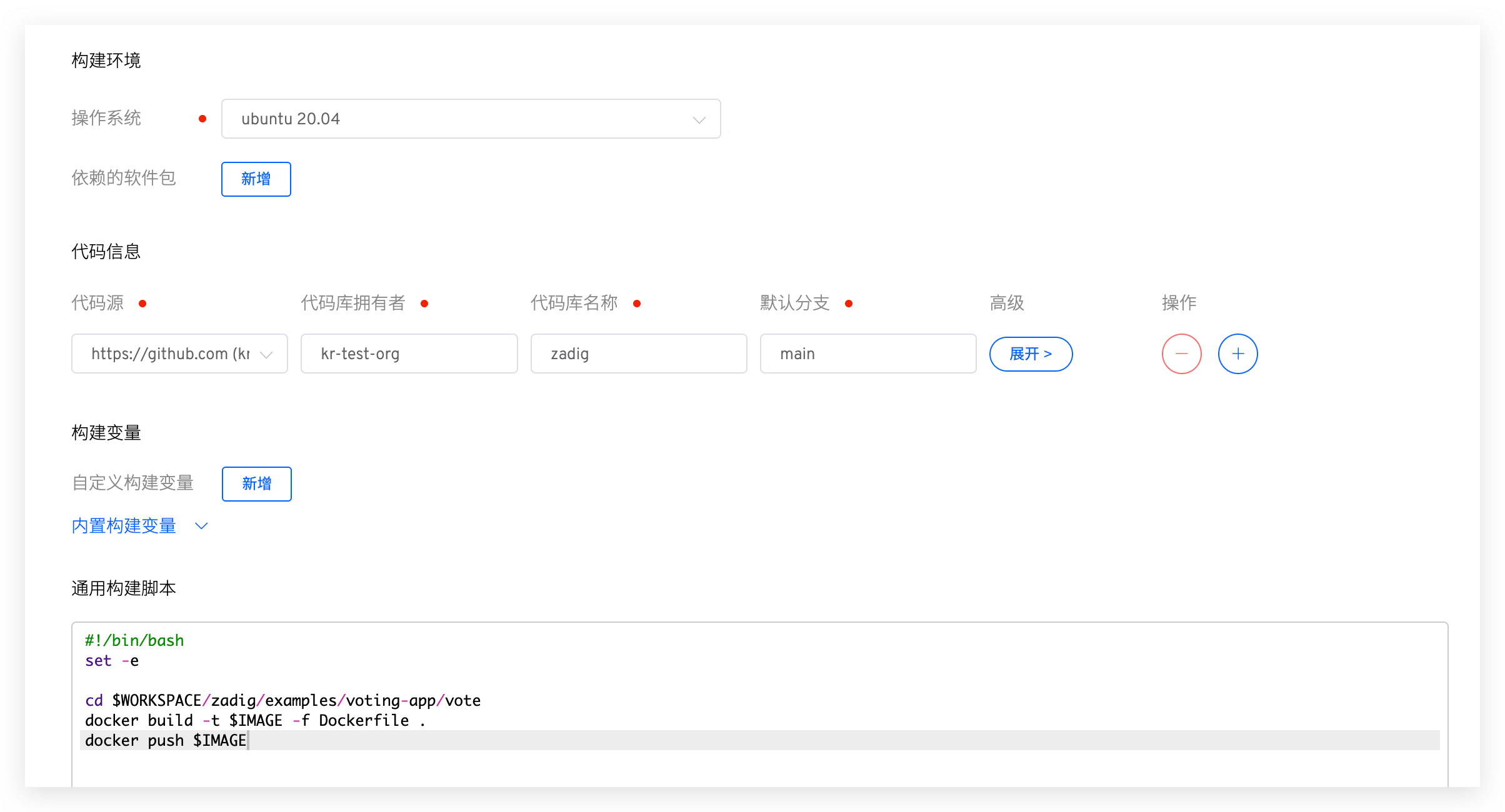
Click Add Build to configure build settings. See Build Configuration.
# Configure Environment
Click Next to create an environment. Configure business environment parameters as needed.
For parameter details, see Create a new environment.
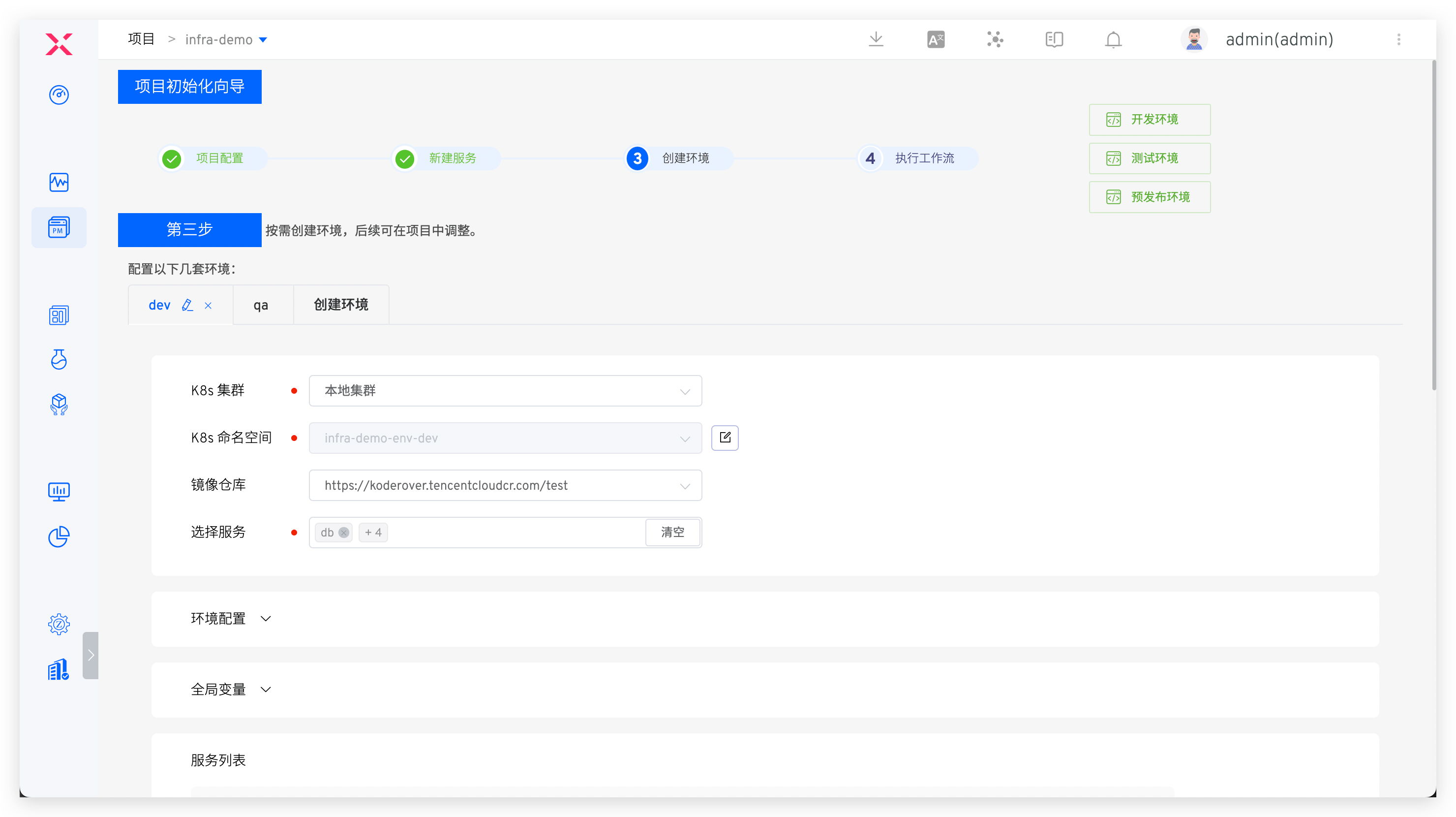
Click Create Environment, then Next to proceed to workflow delivery.
Tip
Environment creation time depends on service count and resource requirements.
# Deploy via Workflow
- Execute the
devworkflow to deploy services to thedevenvironment.
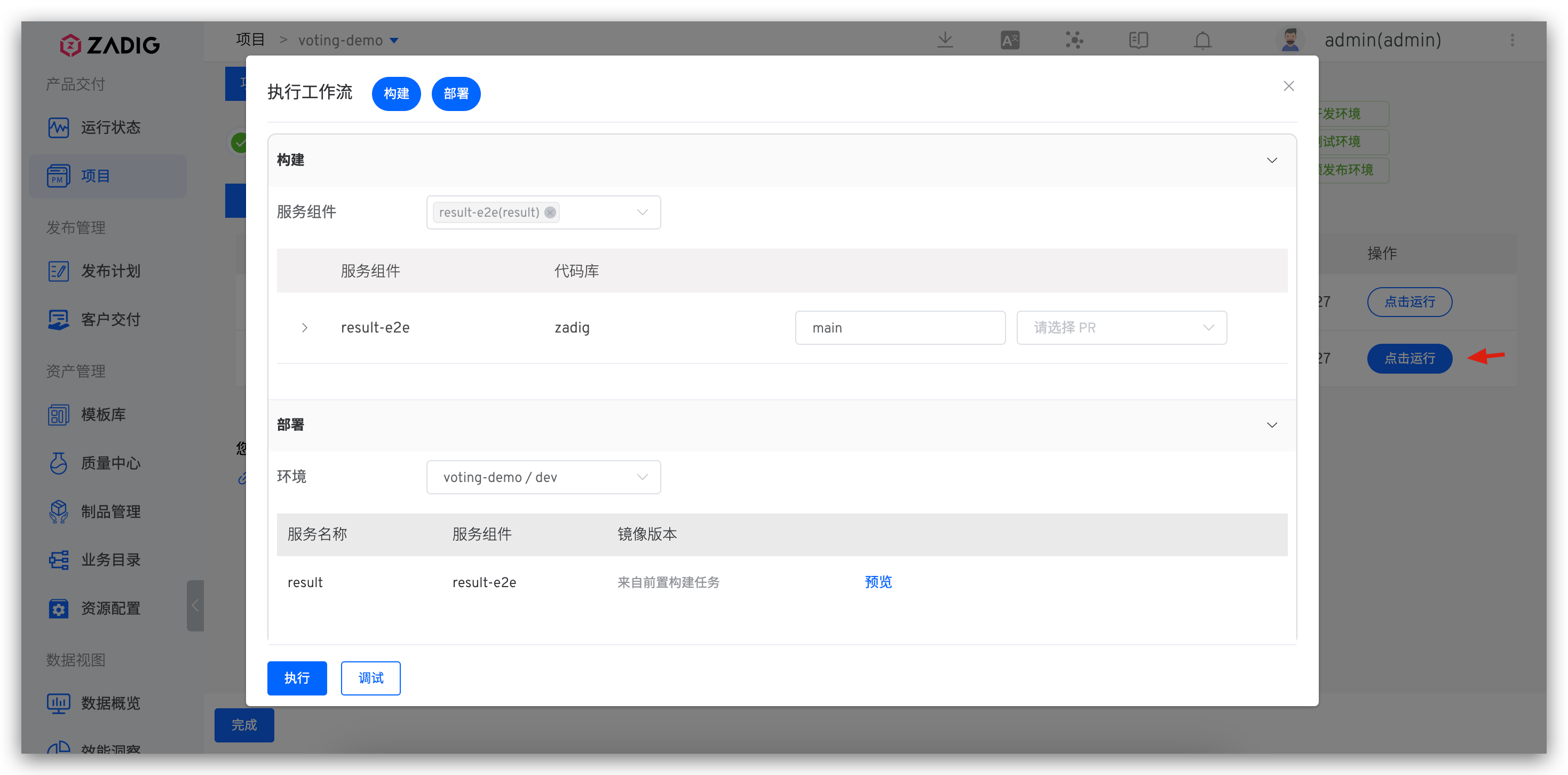
- Monitor build logs in real-time on the execution details page.
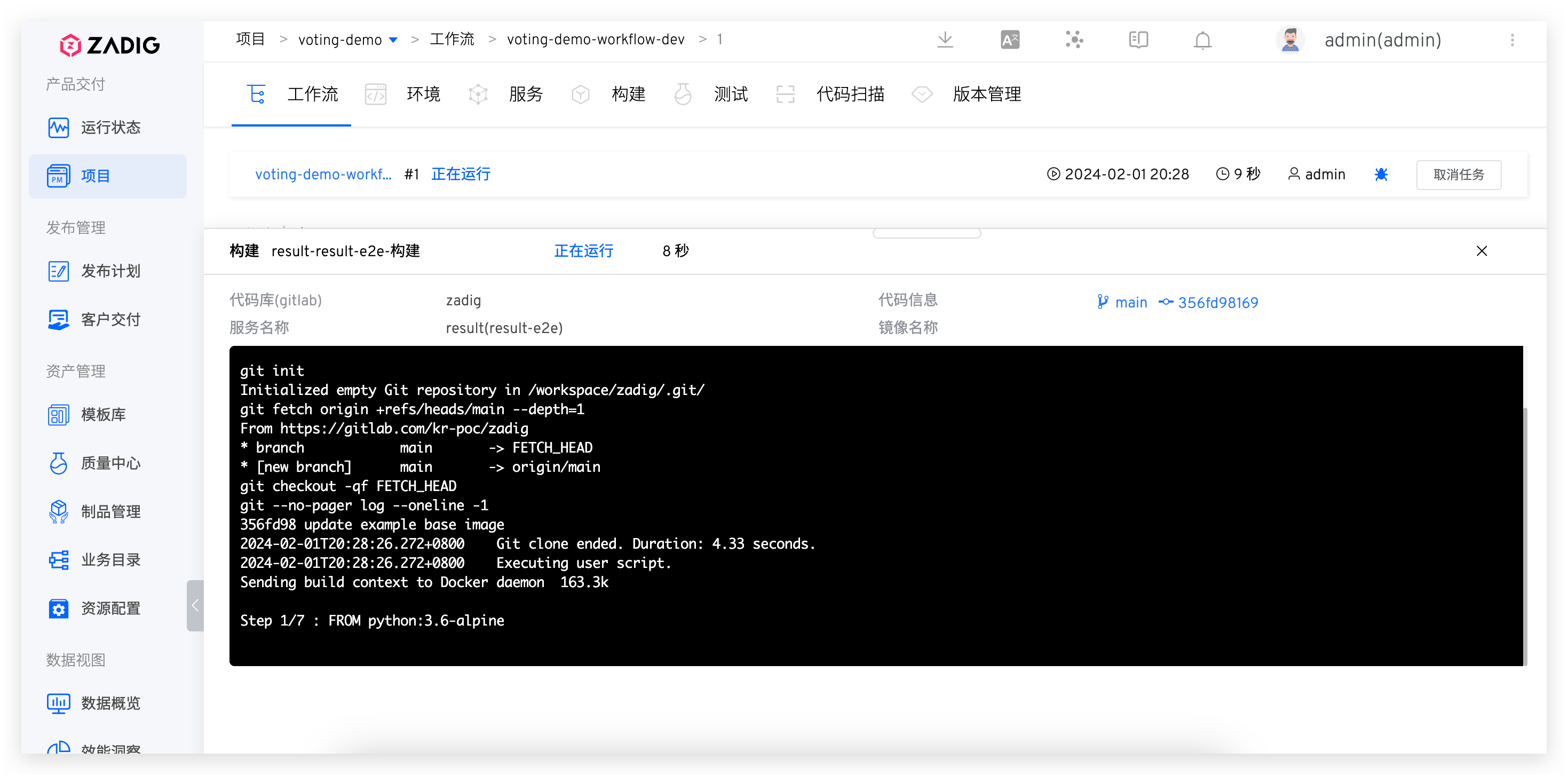
- Services are automatically updated upon successful workflow completion.