
 Shared Variables
This article introduces configuring and using shared variables in Zadig.
# Shared Variable Configuration
Zadig supports two types of shared variable configuration: project-level and system-level.
# Configuration Entry
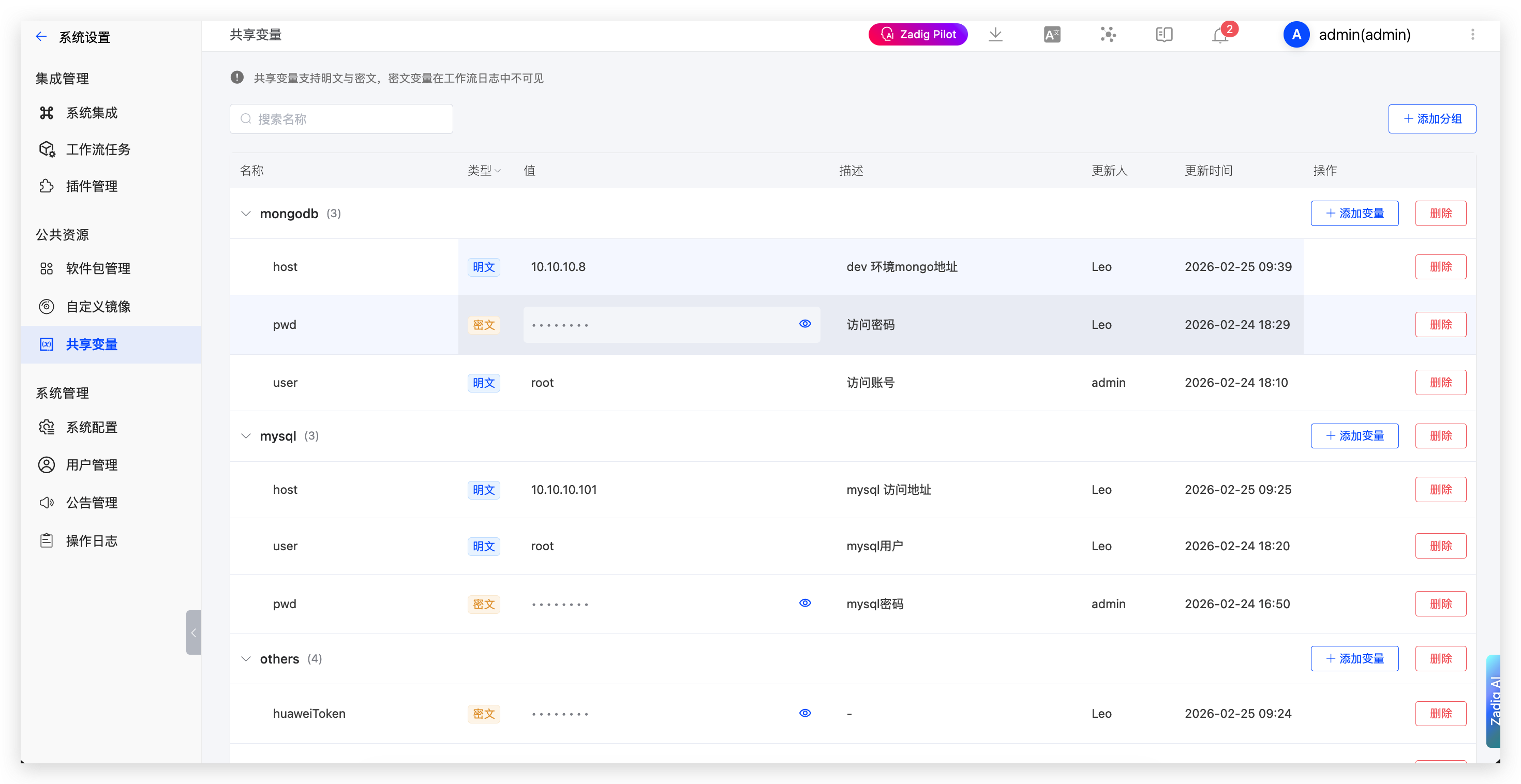
- System-level Shared Variables: Click
System Settings->Shared Variables->Add - Project-level Shared Variables: Click Project ->
Configuration->Shared Variables->Add
# Configuration Description
- Shared variables support group management, and variable names cannot be duplicated within the same group
- Shared variable types are divided into plaintext and ciphertext. Ciphertext type variables are not visible in workflow logs
- When duplicate variable names exist, project-level variables have higher priority than system-level variables
# Shared Variable Usage
Shared variables can be used in the following scenarios:
- Build
- Test
- Code Scanning
- Workflow
# Usage Method
Reference shared variables in configuration using {{.parameter.<variable group name>.<variable name>}}.

