Host Management
This article introduces how to manage hosts on the Zadig system, supporting access to Linux, MacOS, and Windows systems, as well as both AMD and ARM architectures.
It supports two access methods, each suitable for different use cases:
- SSH Connection: The host is used as an environmental resource
- Agent Access: The host is used as a workflow task node
# View Host
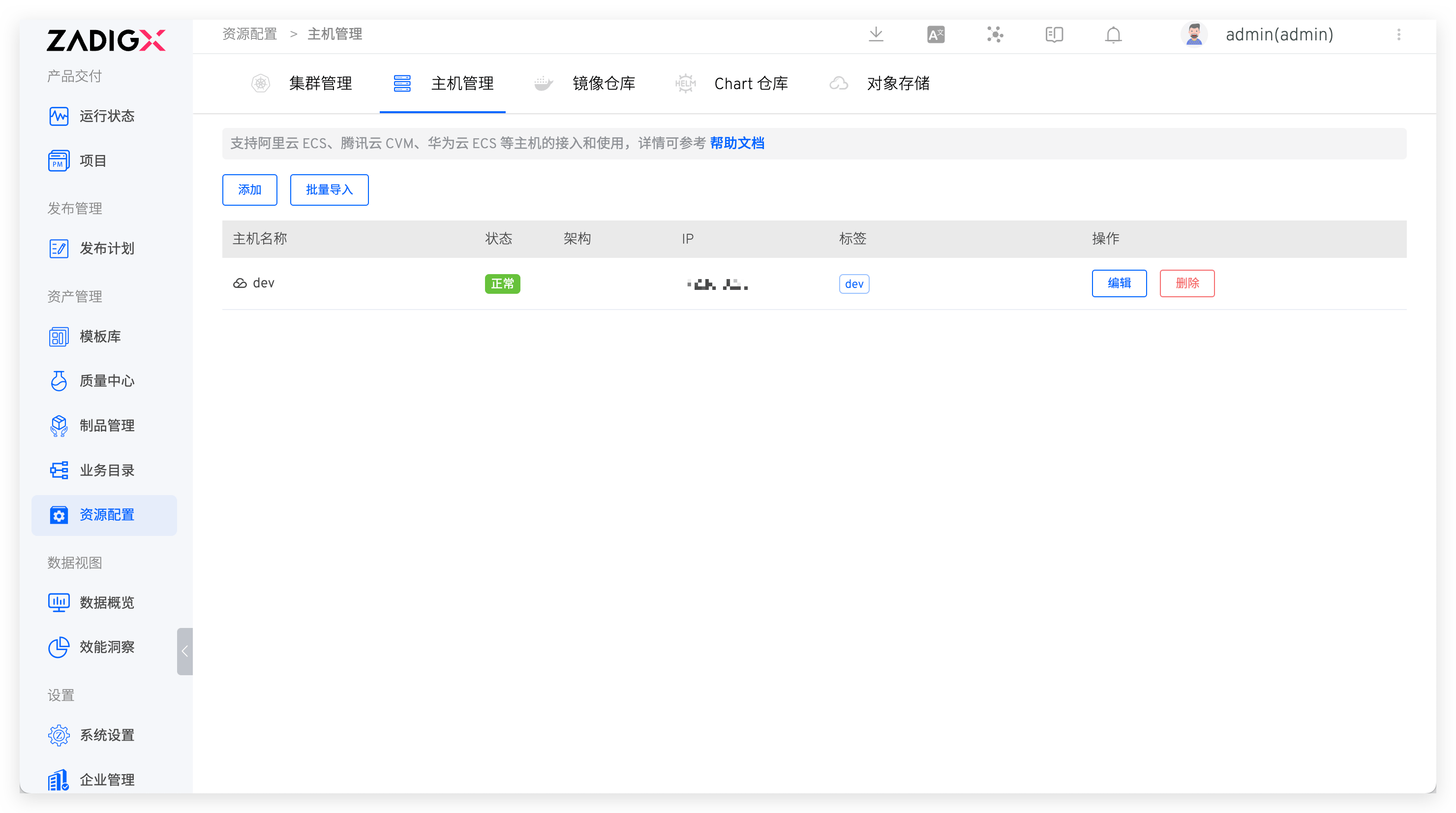
Access Assets → Host Management to view all host resources. The system will periodically (every 10 seconds) check the online status of the hosts based on the liveness configuration in the advanced settings.
# Add a Host
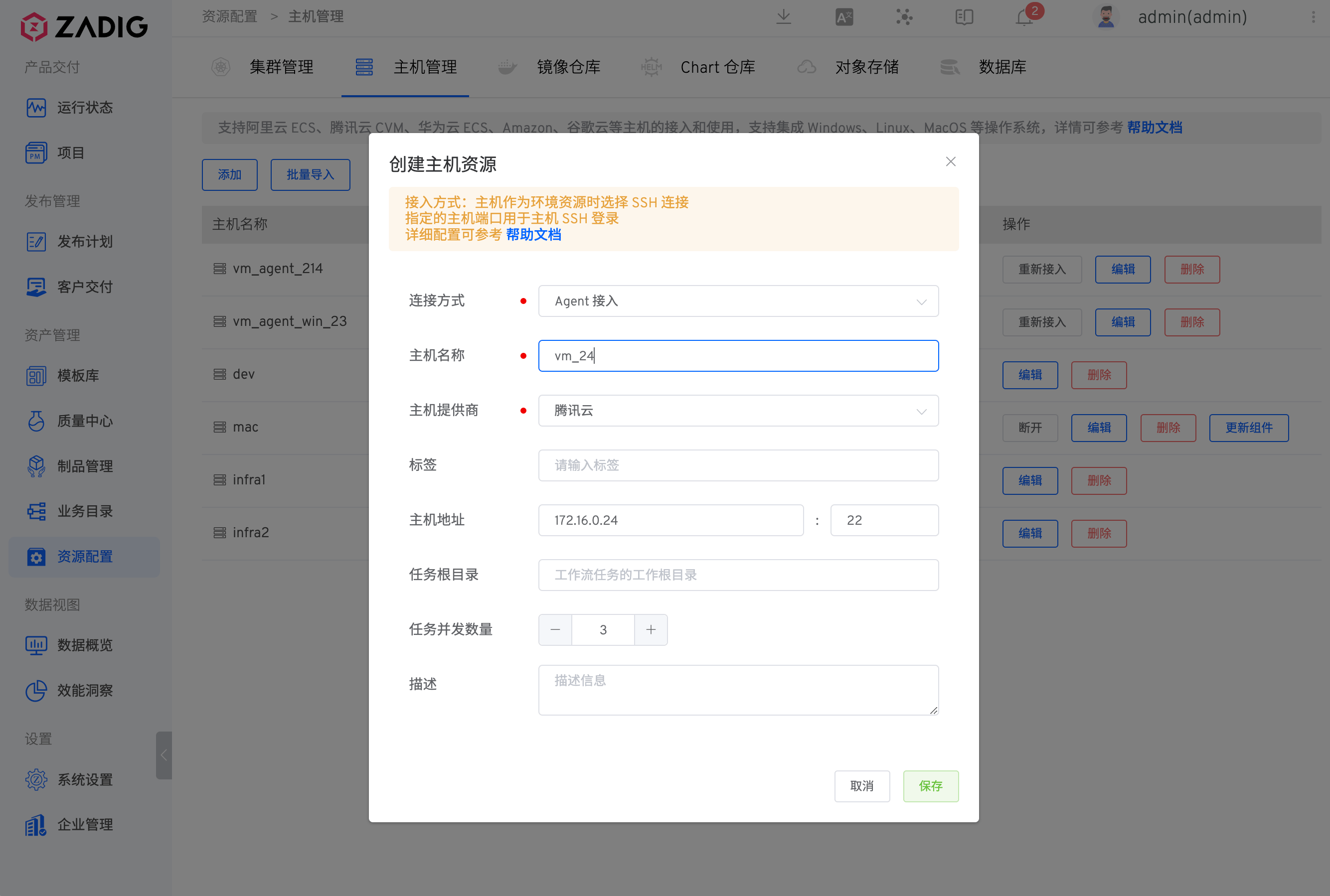
Visit Assets → Host Management, click New, fill in the parameters, and save.
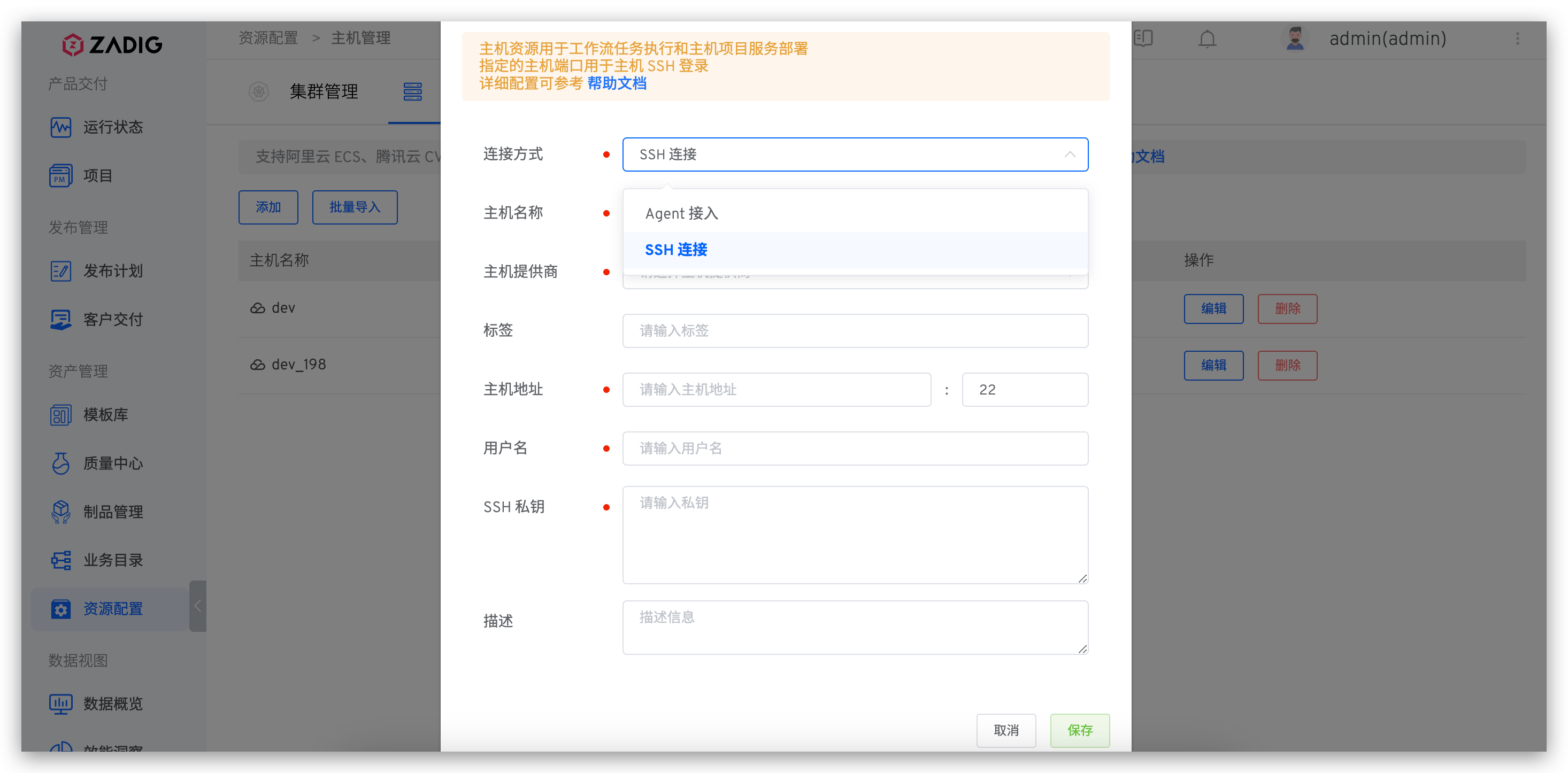
Parameter Description:
Connection Method:SSH Connection: Select this when the host is used as an environmental resourceAgent Access: Select this when the host is used as a workflow task node
Host Name: Custom, used to identify the hostHost Provider: Choose from Alibaba Cloud, Tencent Cloud, Huawei Cloud, Amazon, Google Cloud, or a standard host providerHost Tag: Custom host tags for quick identification of host resourcesHost Address: The access address and port of the host, with the default port being 22Username: The username for logging into the hostLogin Host: If enabled, you can log into the host within the environmentSSH Private Key: Used for login authenticationTask Root Directory: The root directory for tasks when scheduling workflow tasksTask Concurrency: The number of concurrent tasks that can be executed
# SSH Access
As an Environmental Resource
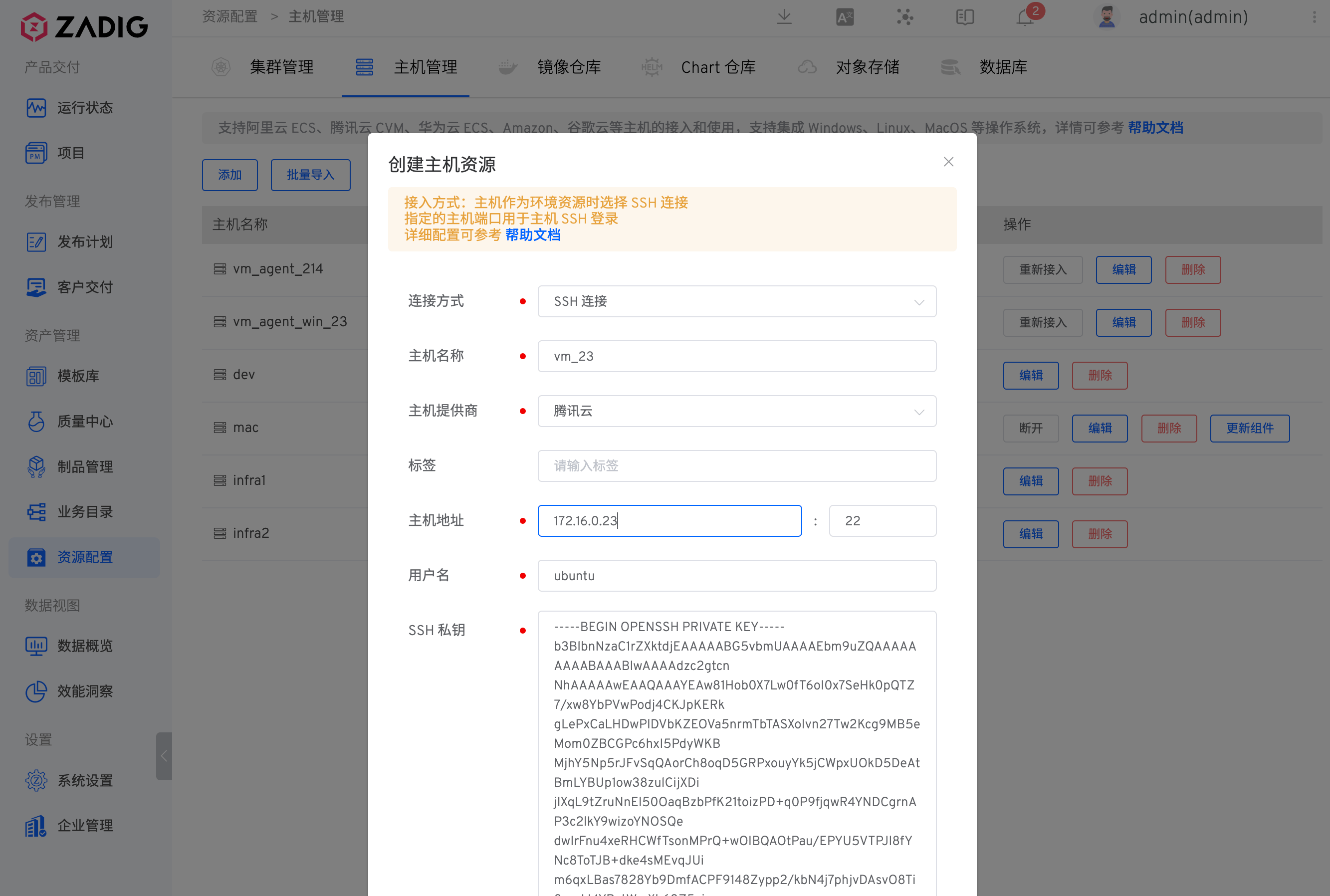
- Step 1: Run the following command in the host $HOME/.ssh directory to generate SSH key pair
ssh-keygen -t rsa -C "your_email@example.com"
- Step 2: Append the generated public key to the $HOME/.ssh/authorized_keys file
cat id_rsa.pub >> authorized_keys
- Step 3: Fill in the generated private id_rsa field in the private key field of the picture above
# Agent Access
As a Workflow Task Node
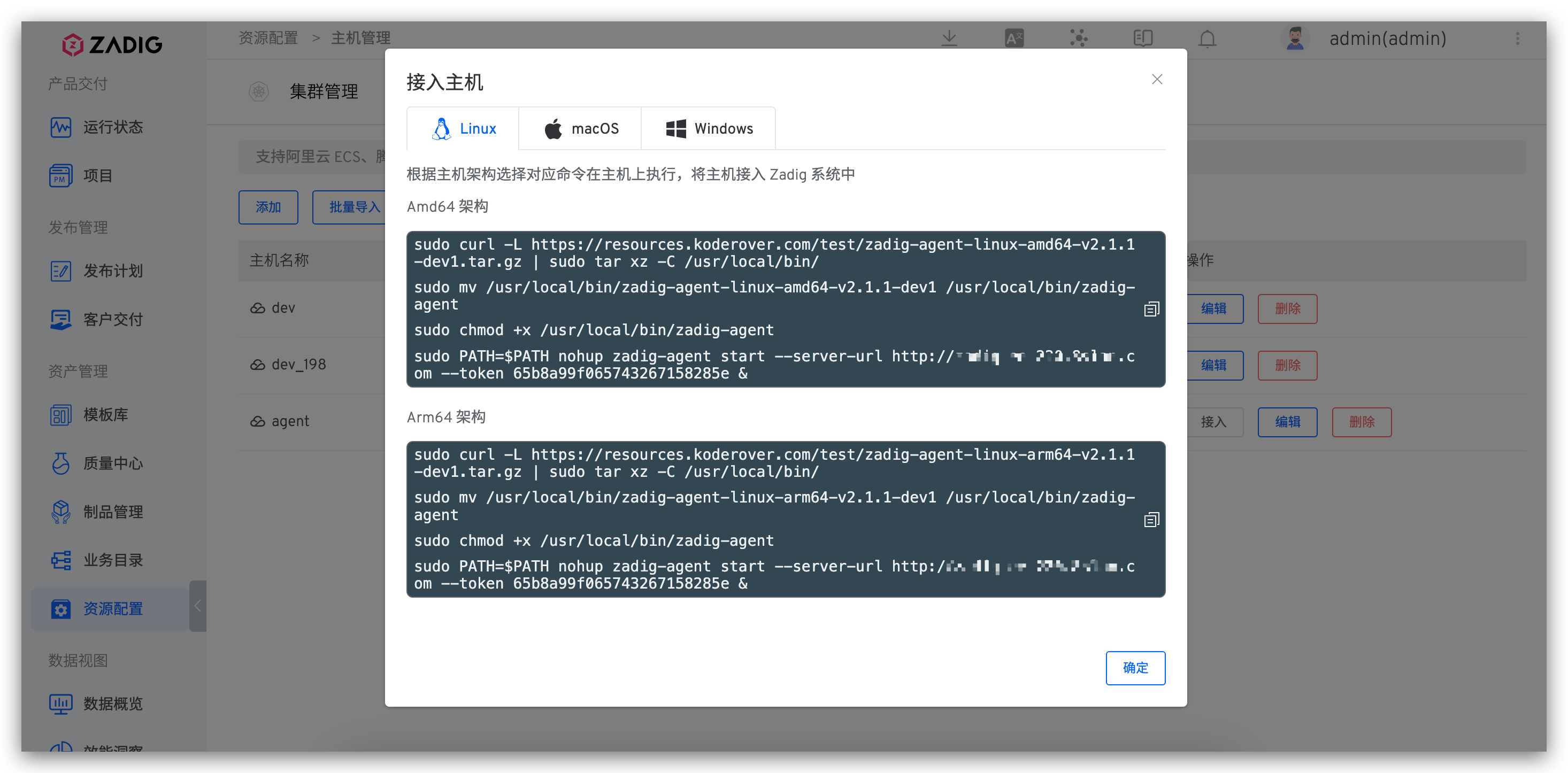
After saving the basic information of the host, select the corresponding command based on the host architecture and execute it on the host.
# Bulk Import of Hosts
Administrators can access Assets → Host Management, click New
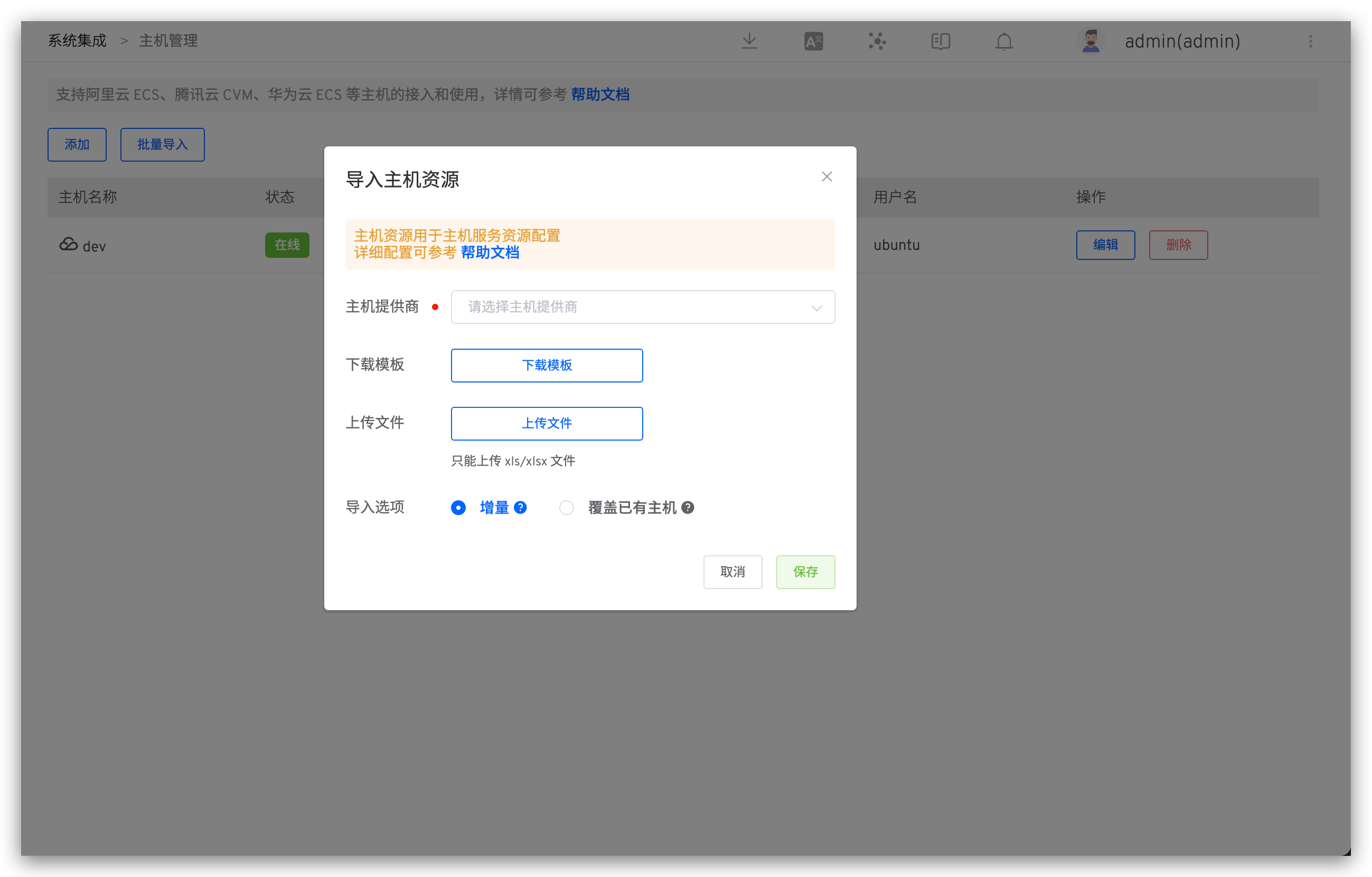
Parameter Description:
Download Template: The content of the imported host file must conform to the structure defined in the template file provided by ZadigUpload File: Modify the template file and upload the modified host list fileImport Options:- Incremental: Existing entries in the host management list will not be reimported; only new host information in the file will be added
- Overwrite Existing Hosts: Existing entries in the host management list will be reimported, and new host information in the file will be added
# Host Usage
# SSH Access
When adding resource configurations for a host service, you can choose either "Host Tag" or "Host Name".
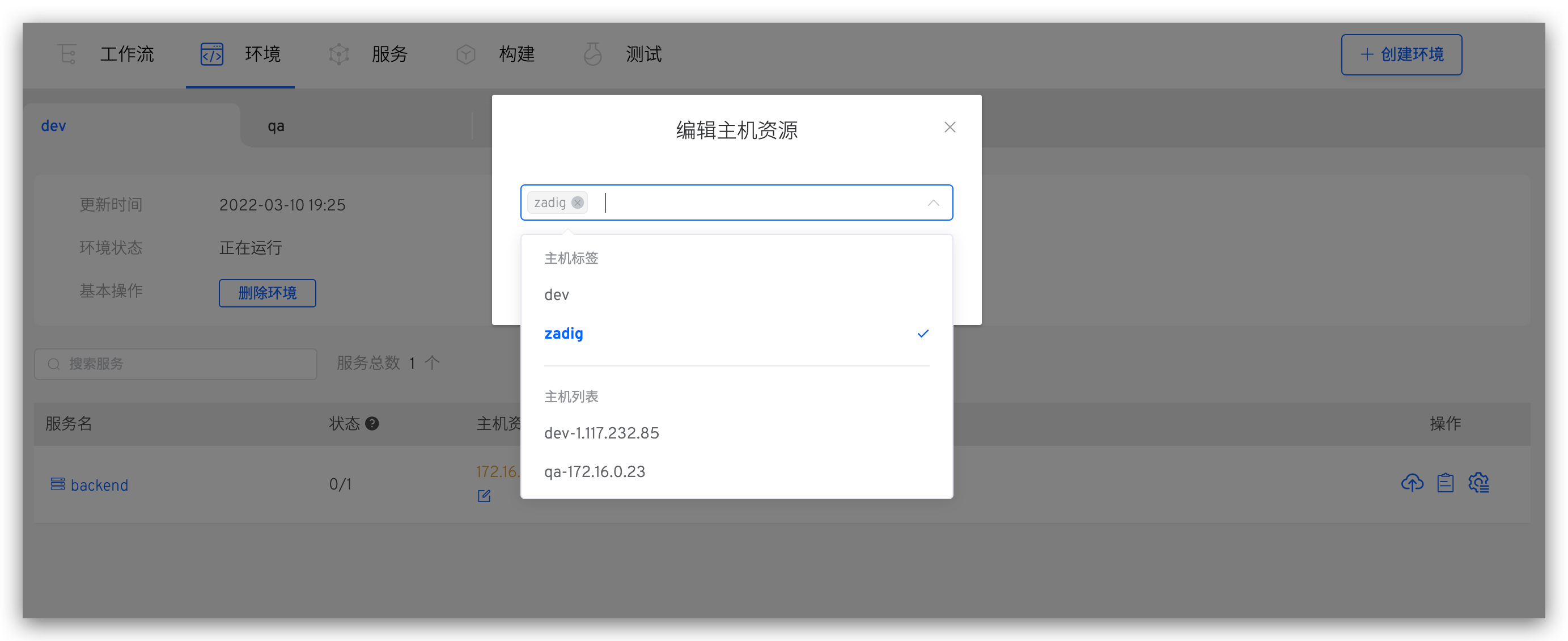
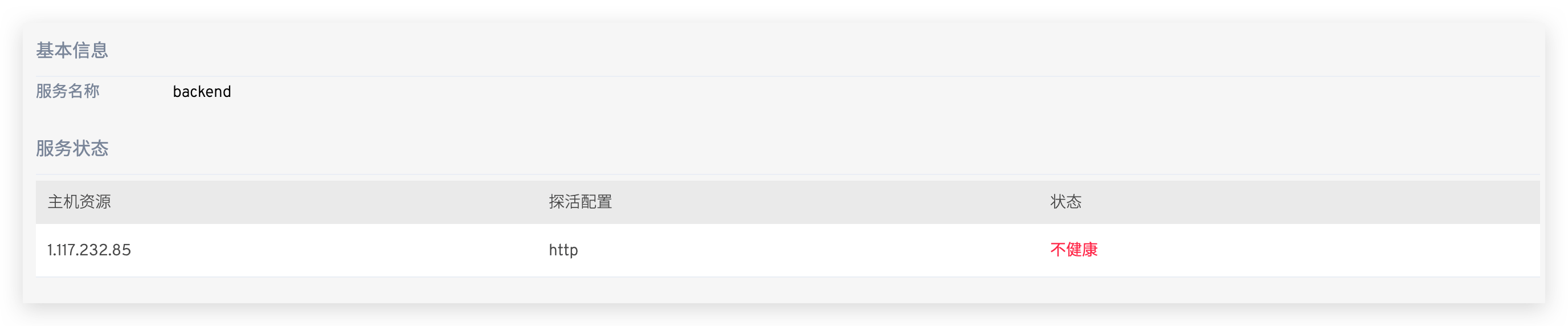
You can view the deployment details of the service by clicking on the service in Environment.
# Agent Access
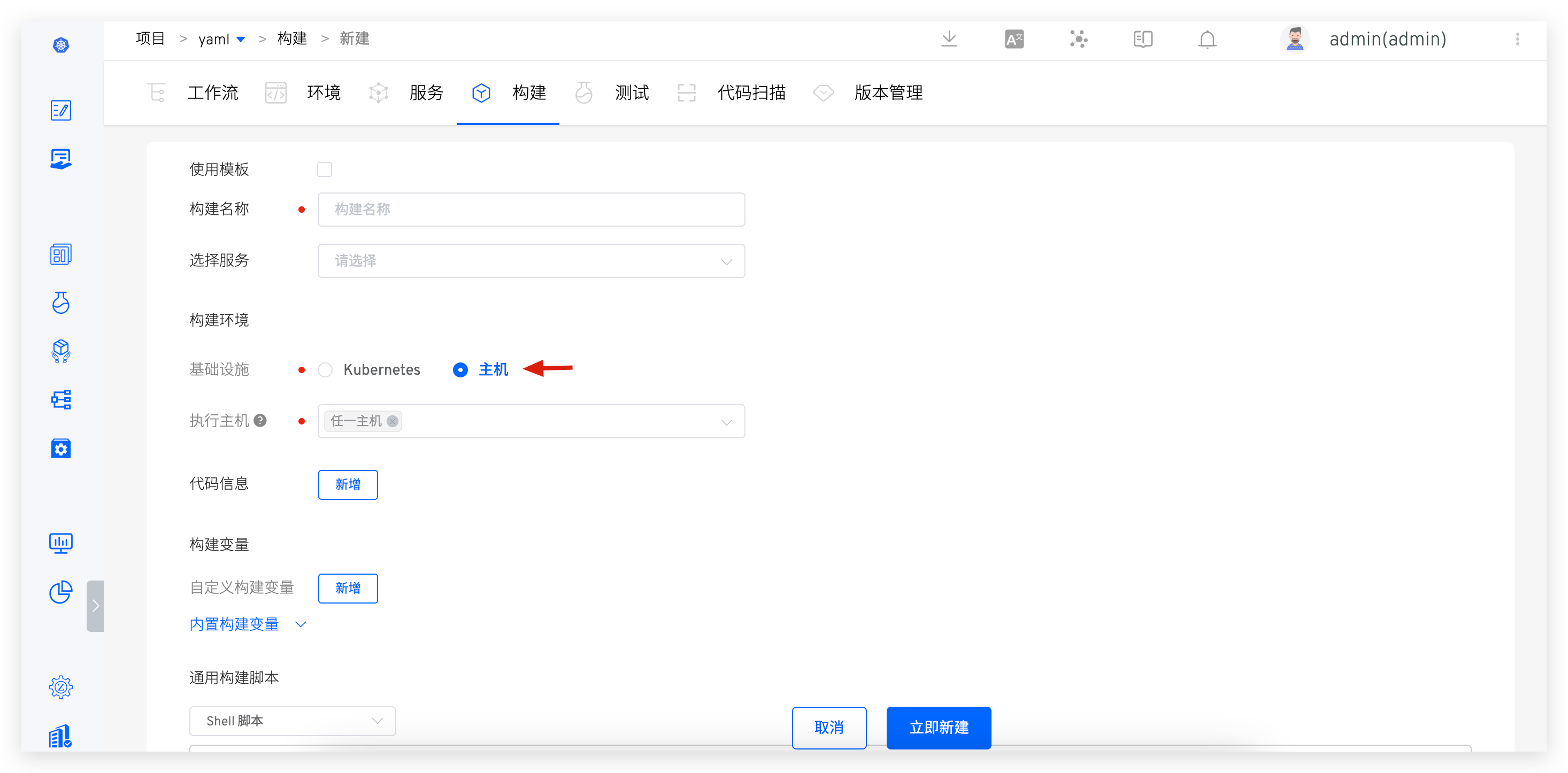
For build and general task execution environments, select "Host" in the infrastructure and choose the corresponding execution host tag to run workflow tasks on the corresponding host.